Setup & support only
Ctrl-Center app
React Native · iOS / Android
- Tesla OAuth + Fleet APIaccount setup
- Secure BLE bondingcode-confirmed pairing
- Wi-Fi OTA + BLE fallbackboth devices
- Remote diagnosticssupport ID → Sentry
Tap less,
drive more.
PettersonApps helped Greenmission transform Ctrl-Bar into a fast, reliable control system for Tesla drivers. We replaced phone- and cloud-dependent commands with direct Bluetooth communication, then expanded the product into a complete ecosystem of firmware, mobile apps, CAN integration, and ambient lighting.
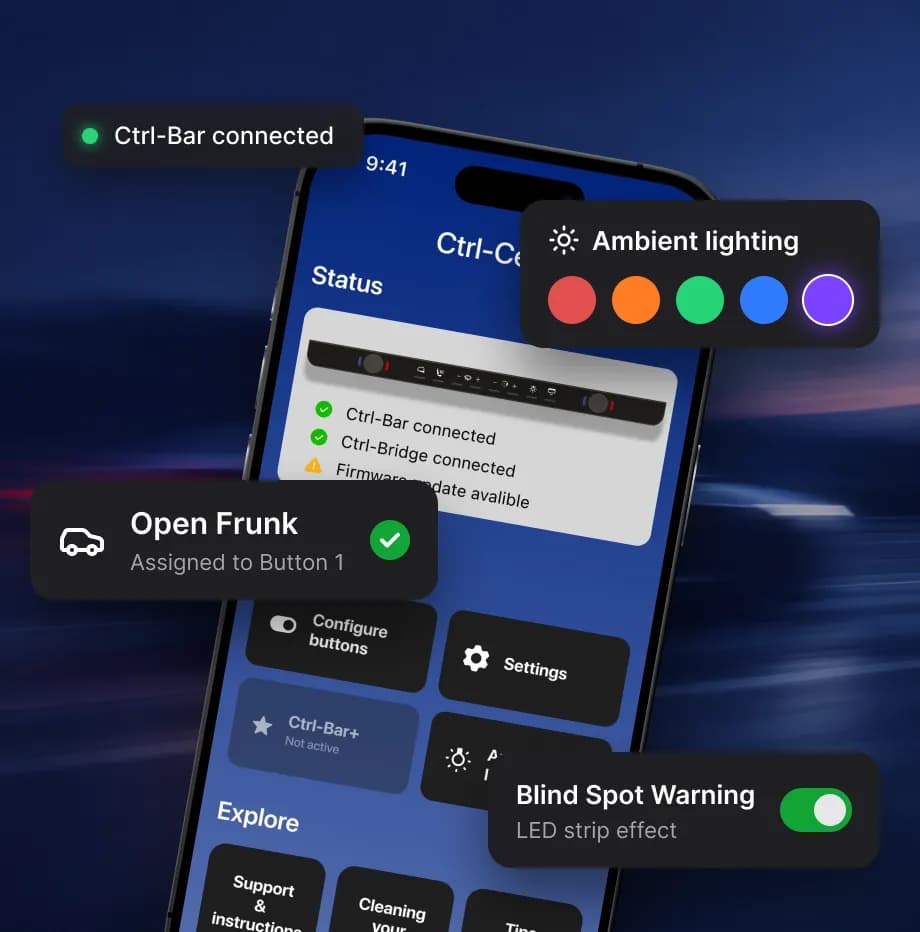
More than just physical buttons.
Additional features that make Ctrl-Bar smarter, more customizable, and easier to maintain.
| Feature | Implementation | User value |
|---|---|---|
| 01Custom controls | 27 functions across Park & Drive modes | Everyday controls at your fingertips |
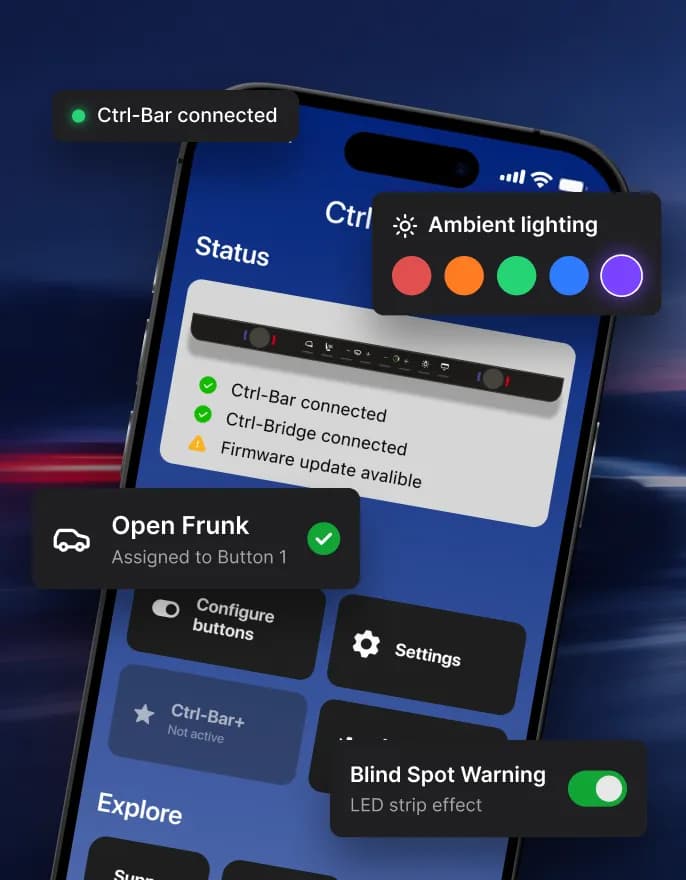
| 02Ambient lighting | Five lighting modes; turn-signal sync via Ctrl-Bridge | Personalized lighting and turn-signal sync |
| 03Safe firmware updates | Wi-Fi OTA with BLE fallback and rollback | Reliable updates in just 2–3 minutes |
| 04Remote diagnostics | App and firmware logs with Support ID | Resolve connection issues remotely |
01
Custom controls
02
Ambient lighting
03
Safe firmware updates
04
Remote diagnostics
Who we built it for.
Greenmission is an Oslo-based automotive startup developing physical controls and smart accessories for Tesla vehicles. Its Ctrl-Bar products bring back buttons and knobs for climate, media, and everyday functions, helping drivers keep their eyes on the road. Partnering with PettersonApps, the company transformed its initial product into a connected ecosystem of firmware, mobile apps, and vehicle integrations.
Buttons should work offline.
Ctrl-Bar V1 was already on the market when our active work began in September 2024 — but every press travelled panel → phone → Tesla cloud API → car. Response was slow, and without internet the buttons simply didn’t work. Exactly the opposite of what a physical control is for.
01.Noticeable delay
Every press made four hops through the phone and the cloud before reaching the car.
02.No internet, no control
Without a signal the buttons simply stopped working.
03.Tied to the phone
Every command depended on the phone and its app being nearby.
04.Unreliable rotary inputs
Signal noise caused missed or false steps, making precise adjustments difficult.
Inherited V1 — phone and cloud in the loop.
Every press travelled through the phone and Tesla’s cloud before it reached the car.
01Panel
Ctrl-Bar V1
Button press · inherited firmware
02Relay
Phone + app
Receives the press, forwards it
03Cloud
Tesla cloud API
Remote command over internet
04Vehicle
Car
Executes — eventually
Network link — adds delay
4 hops · 3 links · any dropped link breaks the command
Ctrl-Bar 2 (V2) system architecture.
Commands go straight from the panel to the car over BLE and CAN. The app handles setup and support only.
Setup & support only
Ctrl-Center app
React Native · iOS / Android
Our firmware
Ctrl-Bar
ESP32-S3 · C++17 · FreeRTOS
CAN bridge
Ctrl-Bridge
ESP32-S3 · C · ESP-IDF
CAN
500 kbit/s
Accessory
Ctrl-Stripe
LED strip
Tesla Model 3 / Y
Vehicle
Factory systems
Inputs: buttons · 2 encoders · 4 displays → FreeRTOS
Our firmware
Ctrl-Bar
ESP32-S3 · C++17 · FreeRTOS
Inputs: buttons · 2 encoders · 4 displays → FreeRTOS
From panel to platform.
Two generations: we first moved the inherited V1 to direct BLE, then built the next commercial generation — a standalone Ctrl-Bar 2 with optional add-ons.
V1 · Inherited product
Physical buttons, aluminium dials, 20+ shortcuts and night-mode LEDs. Its Indiegogo campaign hit 350%+ in 37 hours — before our involvement. We moved it to direct local BLE: firmware and app update released in December 2024.
V2 · Next commercial generation
Ctrl-Bar 2 as a standalone product, extended by optional Ctrl-Bridge and Ctrl-Stripe. Funded on Kickstarter, in production since July 2026.
The core · standalone product
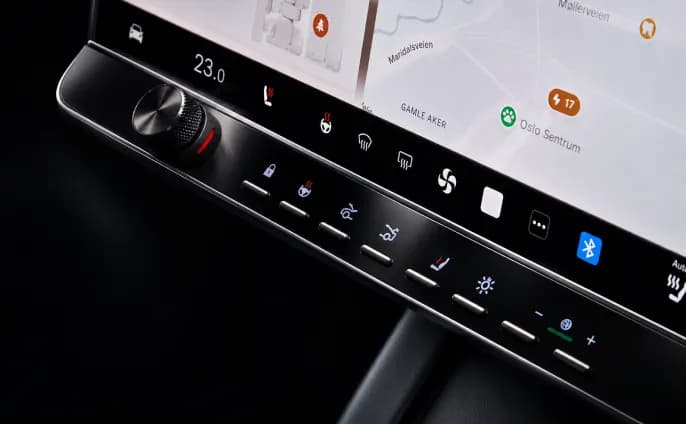
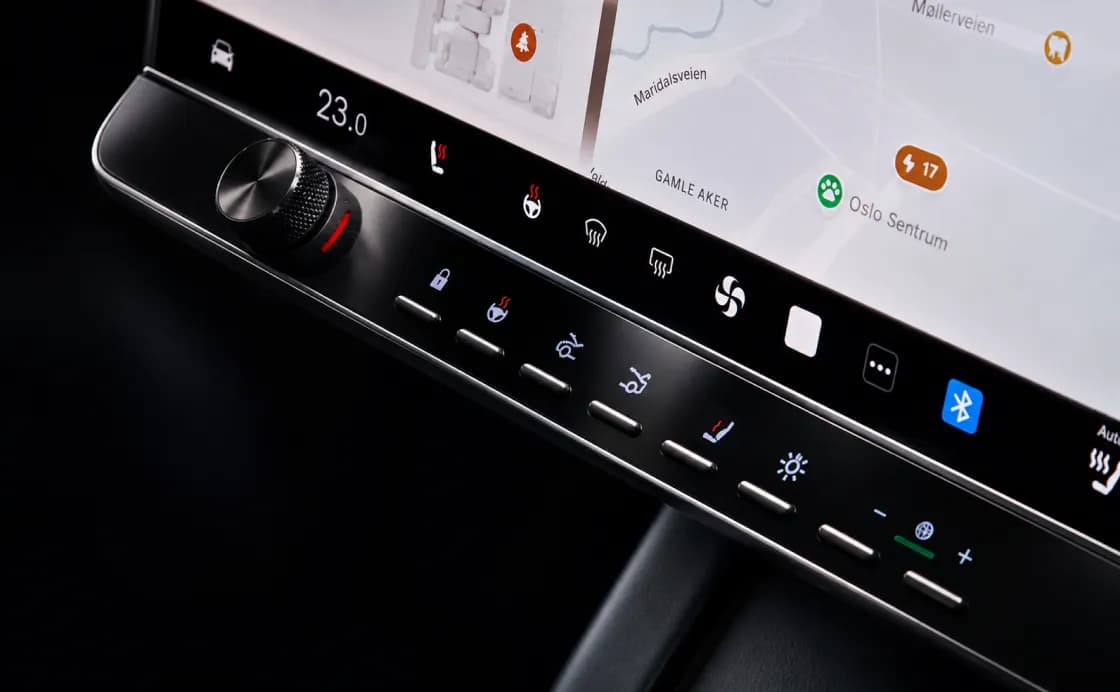
Physical control panel with 8 buttons, 2 rotary encoders and four LCD displays on ESP32-S3. Separate Park and Drive layouts and local control over Tesla BLE. Sold as a standalone product: configured once in the app, then works on its own.
With Ctrl-Bridge
Kickdown · performance & regen modes · wipers · fan speed · glovebox · fold mirrors · turn-signal animations · live CAN dashboard
Optional · CAN bridge
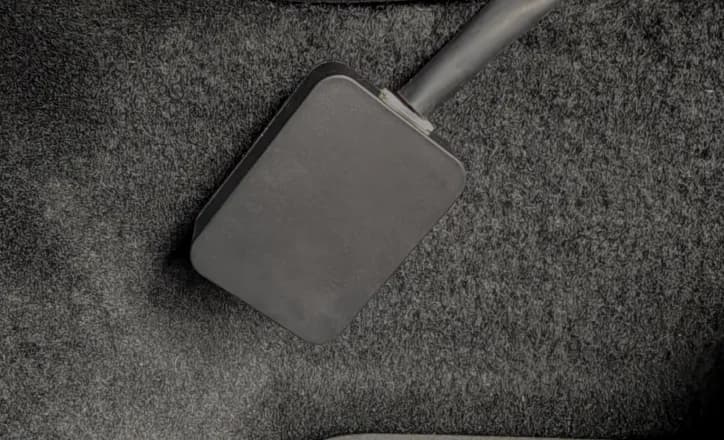
Optional add-on. Plugs into the car’s CAN bus through a wiring harness and talks to Ctrl-Bar over encrypted ESP-NOW — unlocking kickdown, performance/regen modes, wipers, fan speed, glovebox, mirrors and a live dashboard.
Optional · ambient light
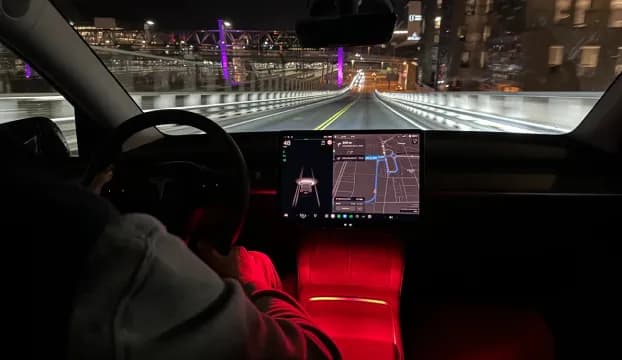
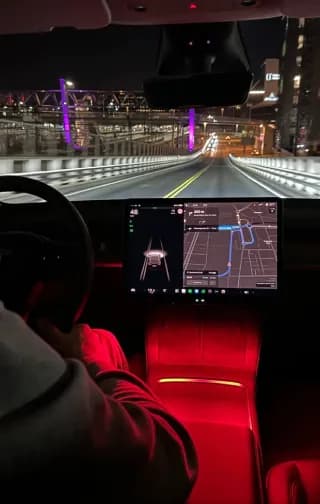
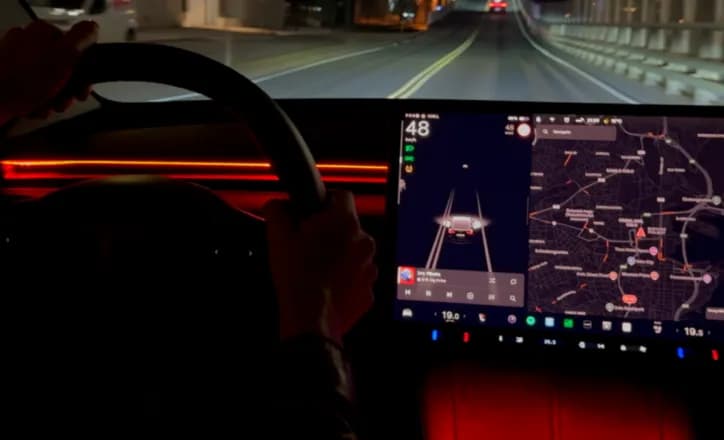
Optional cabin LED strip with 5 configurable behaviours: welcome, goodbye, ambient, charging indication and turn indicators. Only turn indicators require Ctrl-Bridge to sync with the car’s signals.
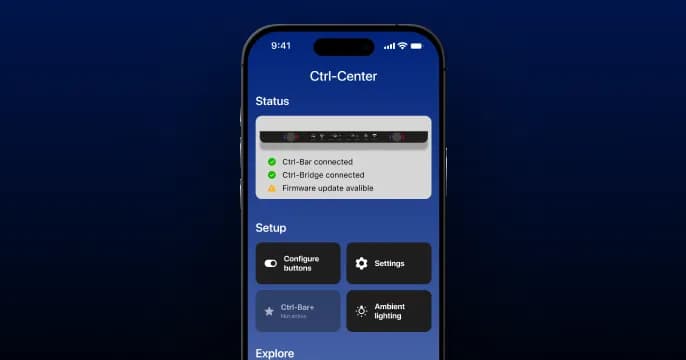
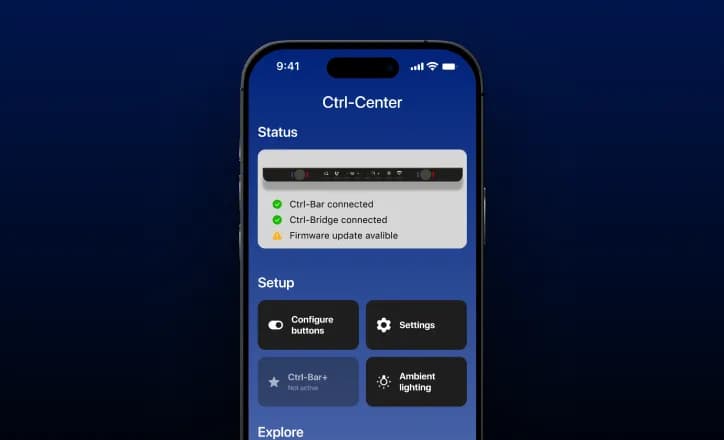
Mobile app · iOS & Android
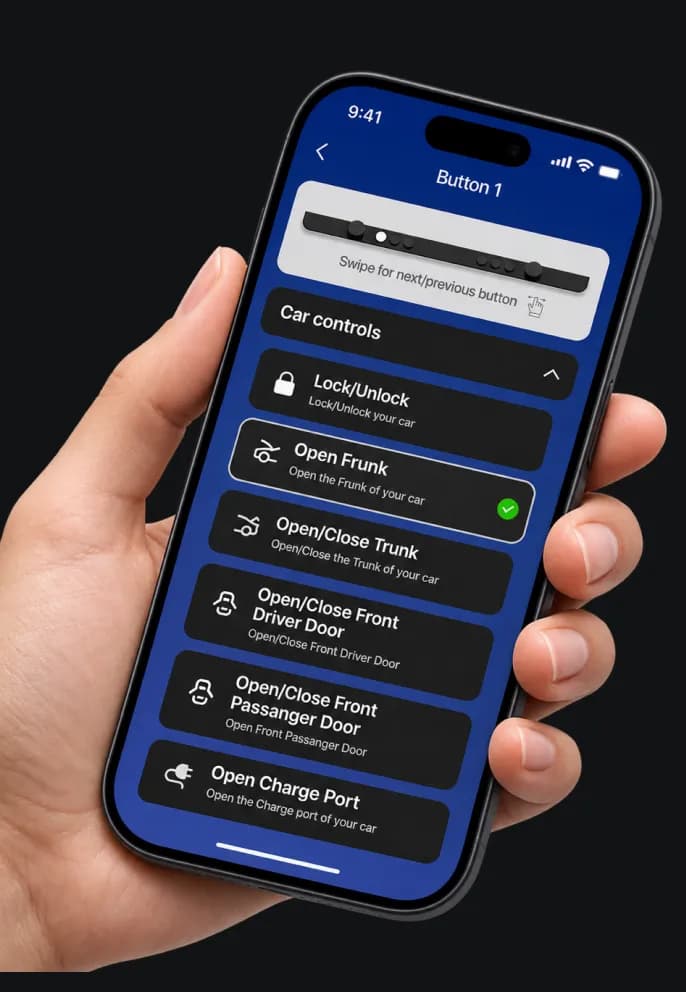
iOS & Android app: Tesla sign-in, pairing, button and lighting setup, firmware updates for both devices and remote diagnostics.
What PA delivered.
Firmware for Ctrl-Bar and Ctrl-Bridge, the mobile app and design — plus R&D, QA and product ownership support for a two-person client team.
R&D and a firmware rework took the phone and cloud API out of the command path — Ctrl-Bar talks to the car over BLE.
Fast Wi-Fi updates for both devices, BLE OTA as a fallback, image verification and rollback after failed boot validation.
Signal-level research of noise, missed and false steps. Filtering, calibration and a dedicated polling task keep knobs fast and accurate.
Researched CAN commands and car feedback. Synchronised supported controls with vehicle feedback where available, with explicit state validation, stale-command handling and recovery after reconnects or restarts.
Code-confirmed pairing between phone and Ctrl-Bar with trusted reconnection; robust Tesla sessions and recovery after drops.
Heap, DMA and stack audit on ESP32-S3 saved ~30 KB of static DRAM (18.4%) across a series of fixes. Memory management and a clean switch between working and update modes: during OTA the system frees or suspends part of its resources.
Ctrl-Stripe mirrors the car’s real indicators: CAN events travel Bridge → Bar via priority ESP-NOW messages, each flash phase rendered on the strip.
Factory test mode, a caught flashing-address bug, OBD overheating detected in testing, harness checks on Highland and Juniper.
3,200+ automated tests run in under 4 minutes across firmware and the app, so every release is checked before it reaches cars.
Introduced reduced-activity modes and refined sleep/wake behaviour. Power measurements and extended soak tests guided optimisations and phantom-drain investigations, maintaining responsiveness while reducing unnecessary vehicle and device activity.
Added user-initiated log capture linking app and firmware events through a Support ID. Owners could reproduce issues in their own cars, helping us diagnose and fix problems without having that model on site.
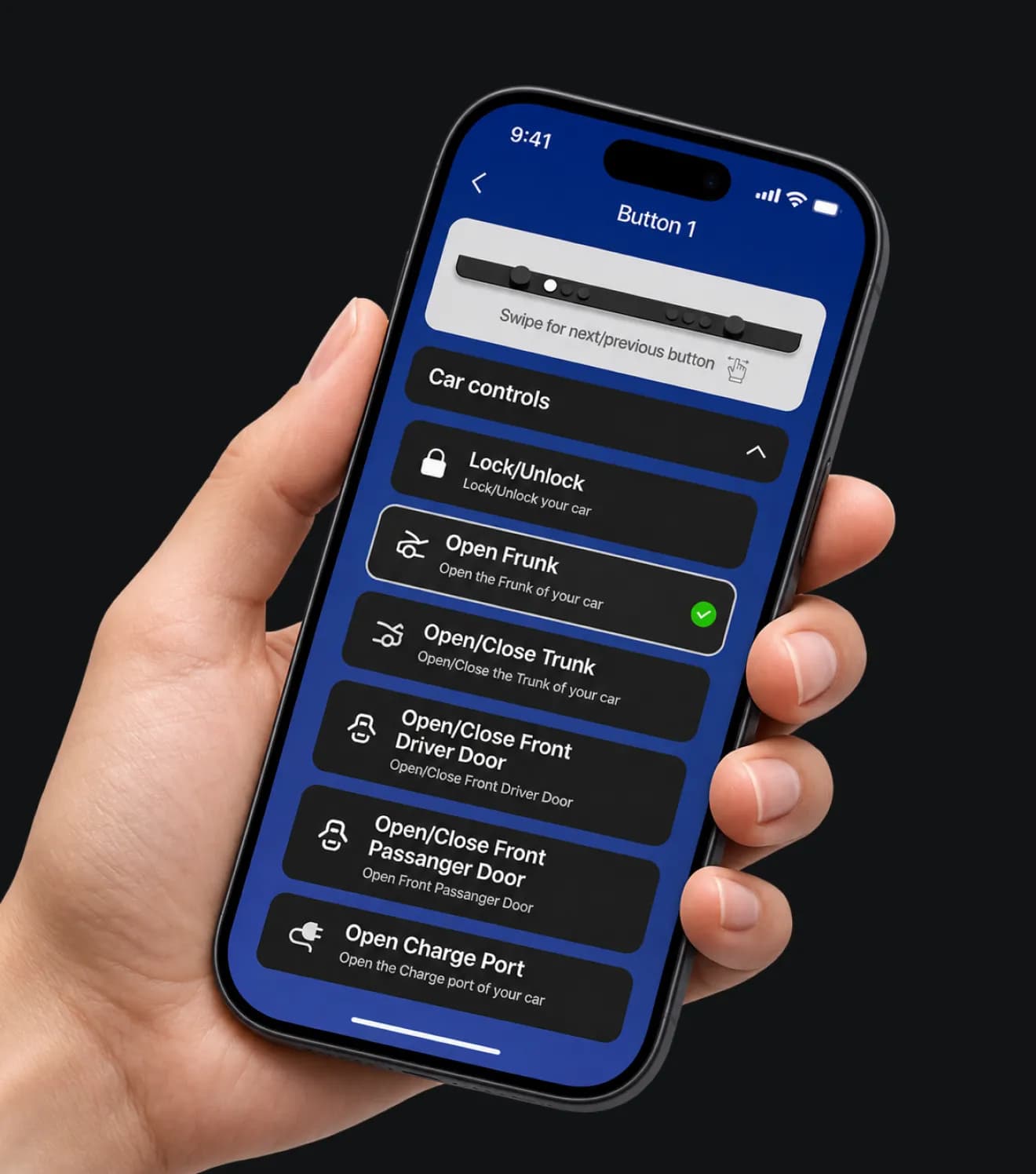
Improved onboarding from Tesla sign-in and device pairing to button, encoder and Park/Drive configuration. Hardware and firmware capability checks guide users towards supported features and keep the app, Bar and Bridge compatible.
Inside
Ctrl-Center.
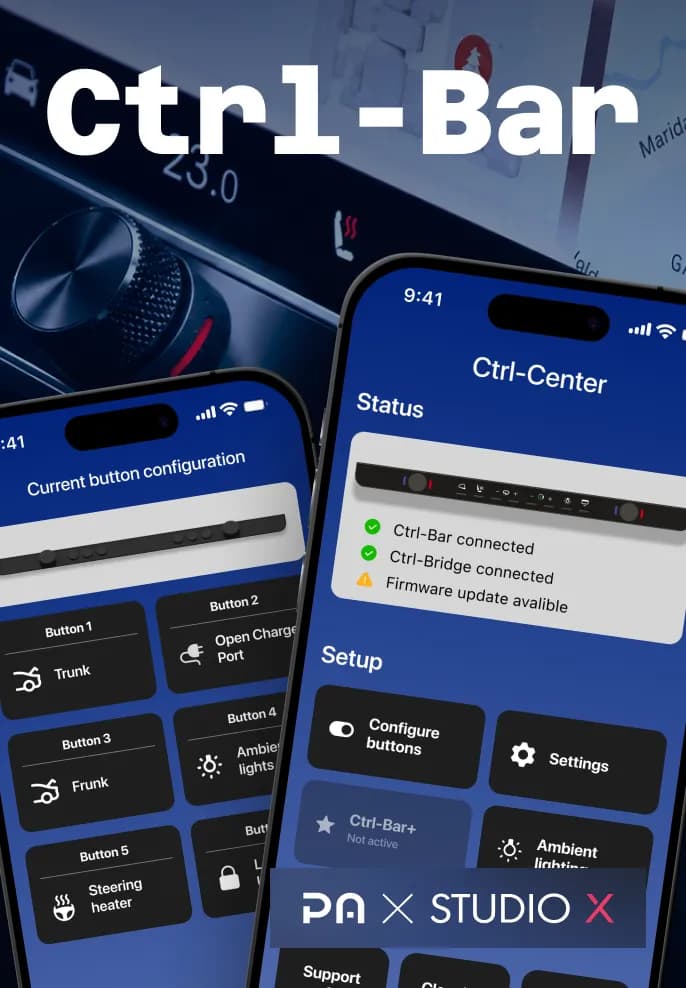
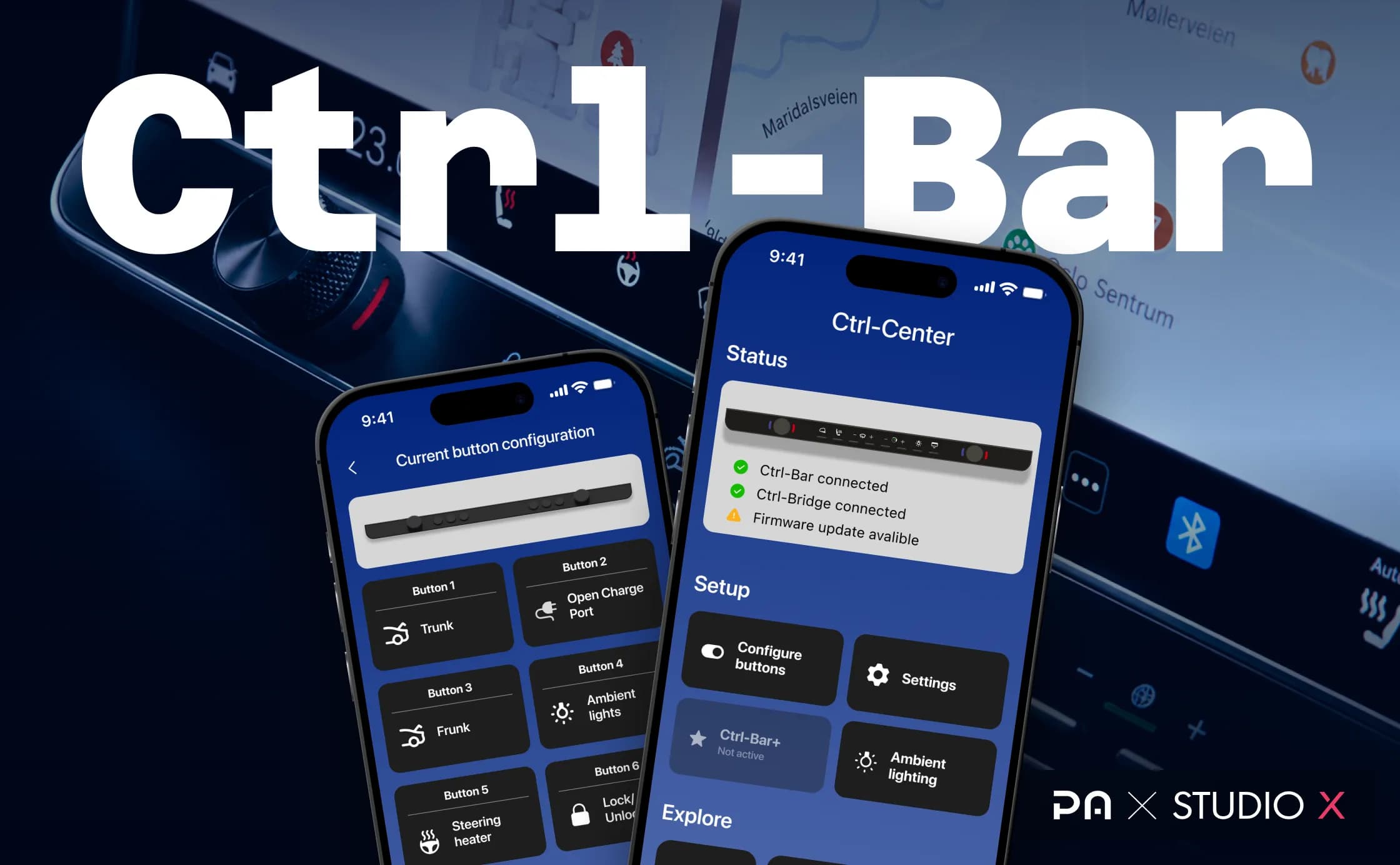
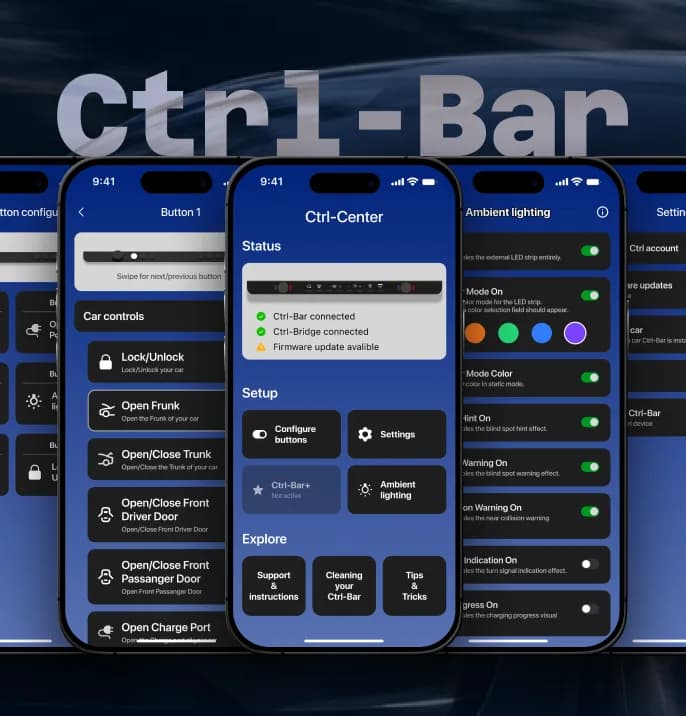
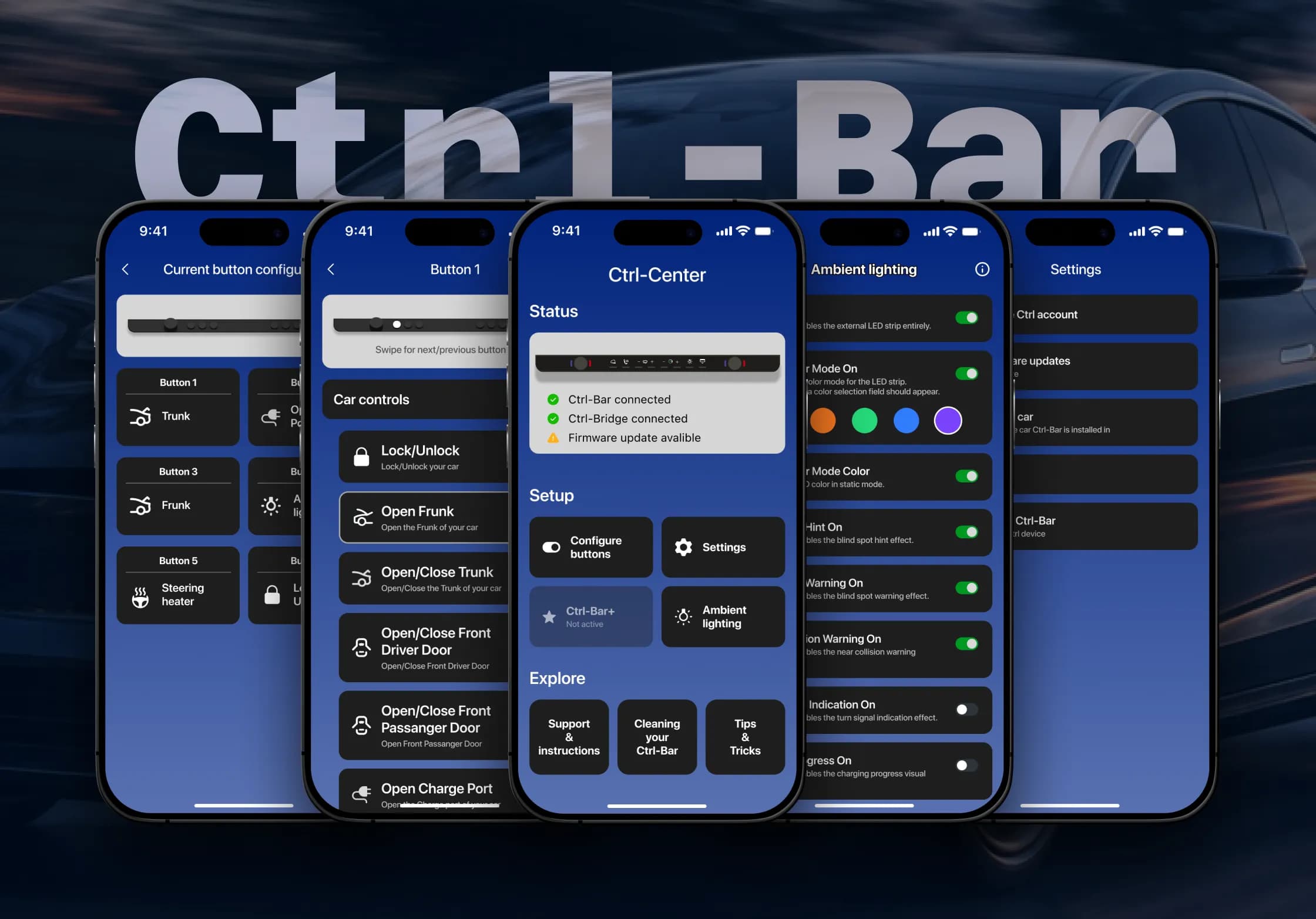
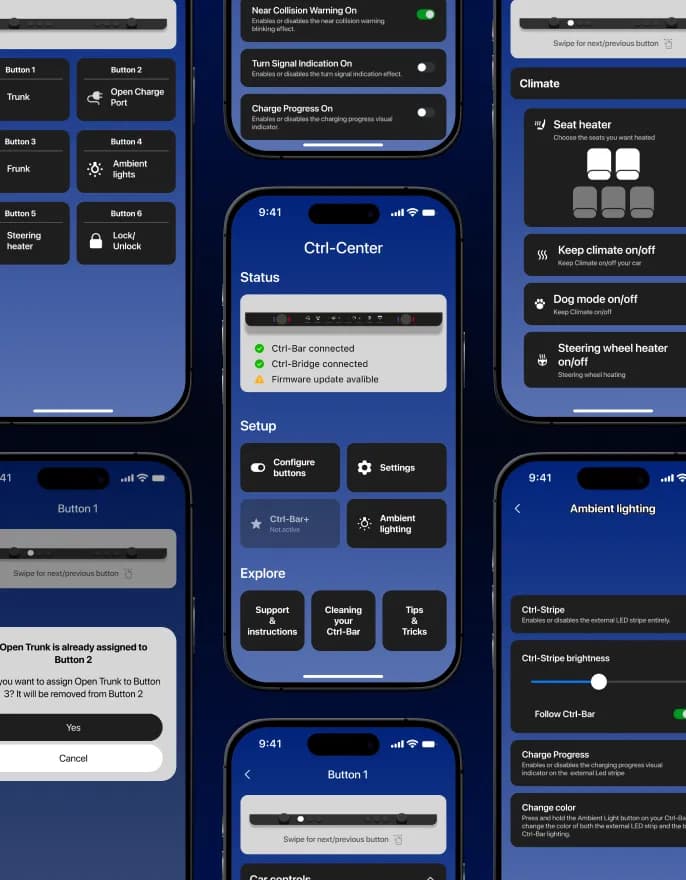
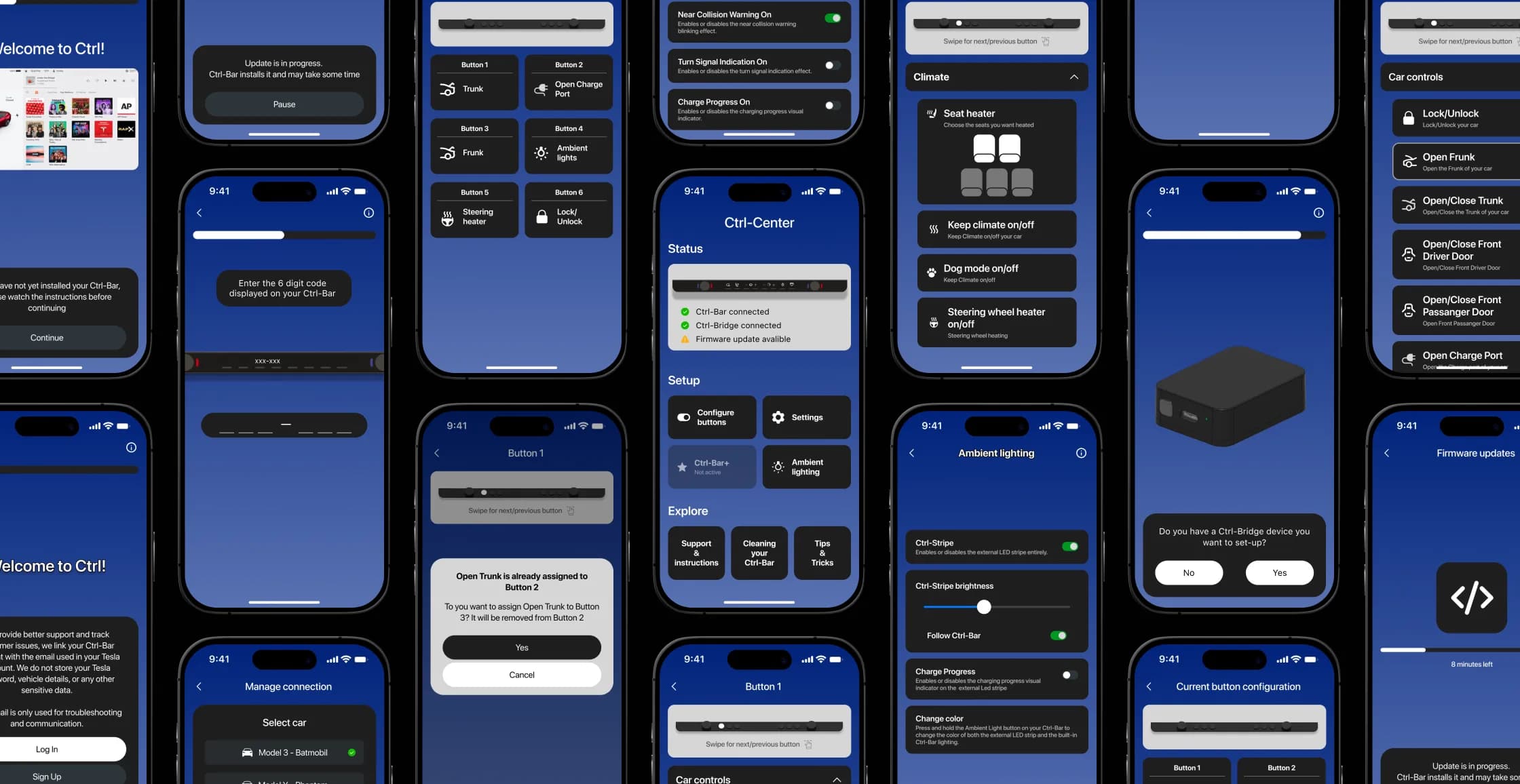
The app handles Tesla sign-in, pairing, button and lighting configuration, firmware updates and support diagnostics.
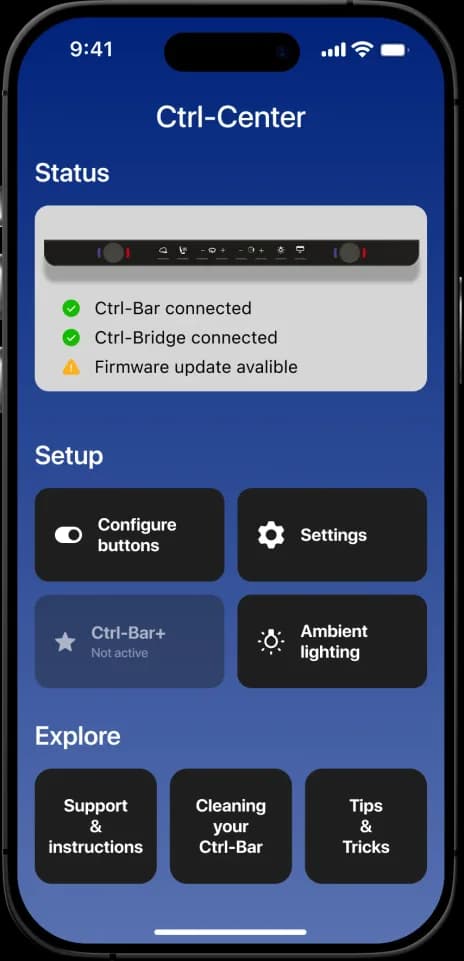
01Home
Status of Ctrl-Bar, Bridge and updates
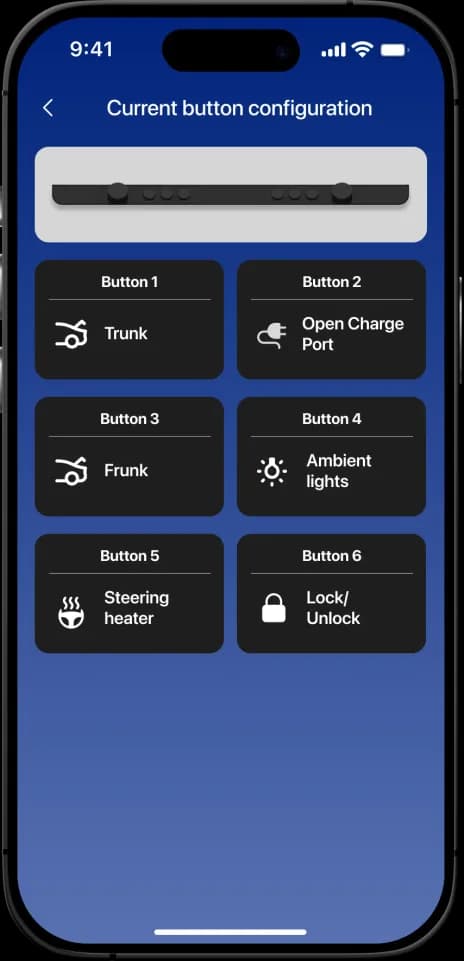
02Buttons
Configure button and encoder actions, with Park and Drive button layouts
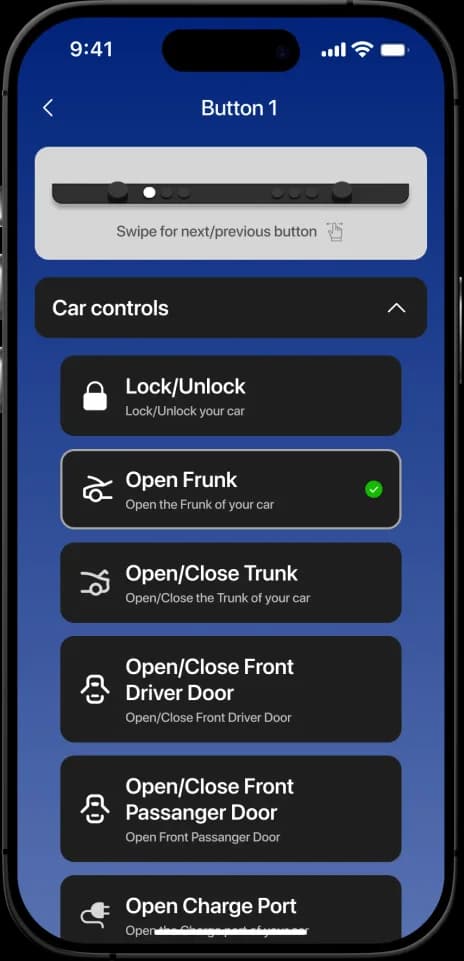
03Functions
Car controls, climate, media and more
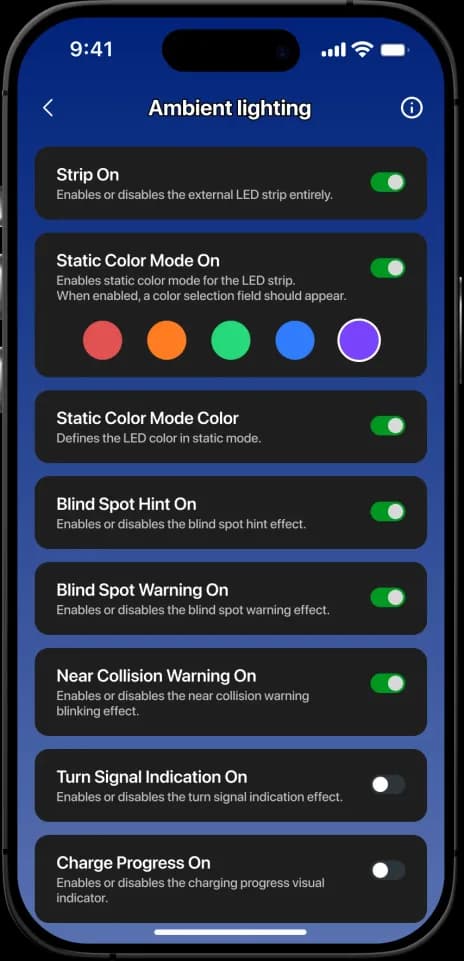
04Lighting
Ctrl-Stripe effects and turn signals
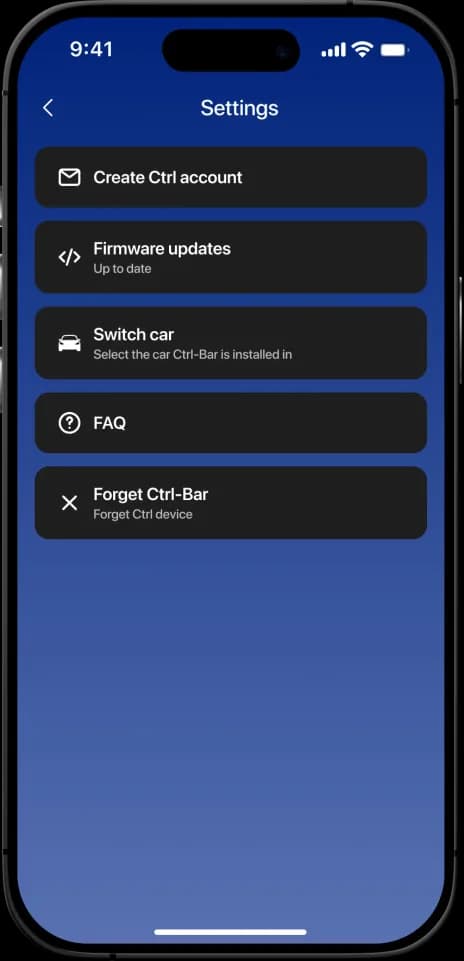
05Settings
Firmware, connections, Tesla account
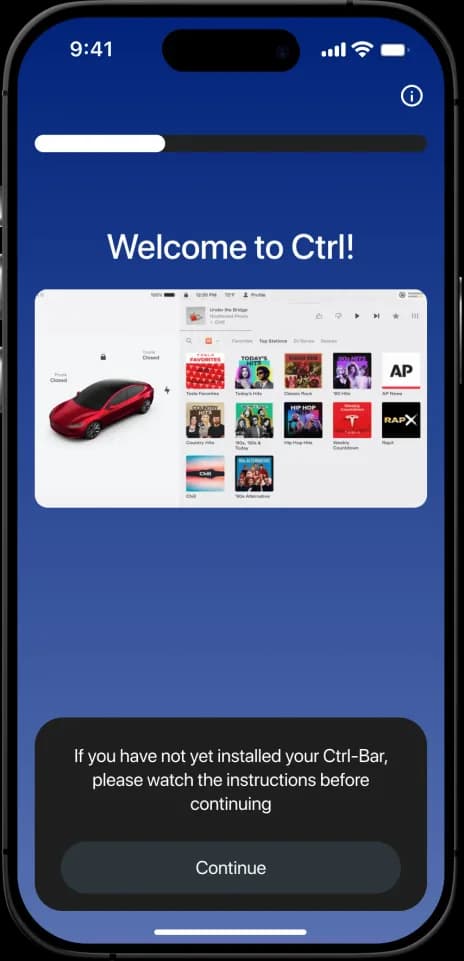
06Onboarding
Guided setup with install instructions
Real buttons.
Eyes stay
on the road.
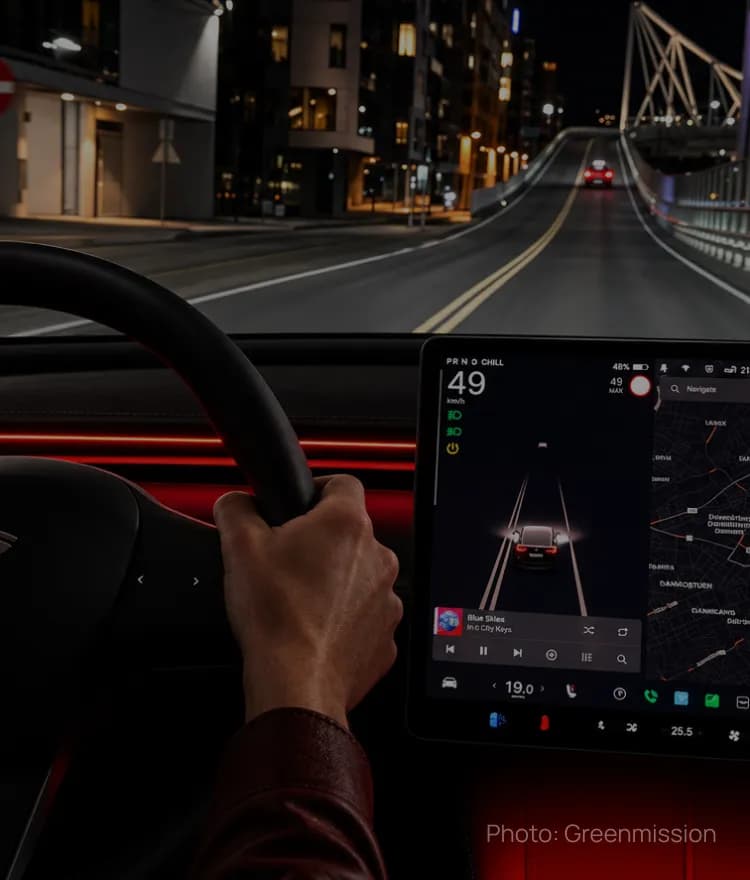
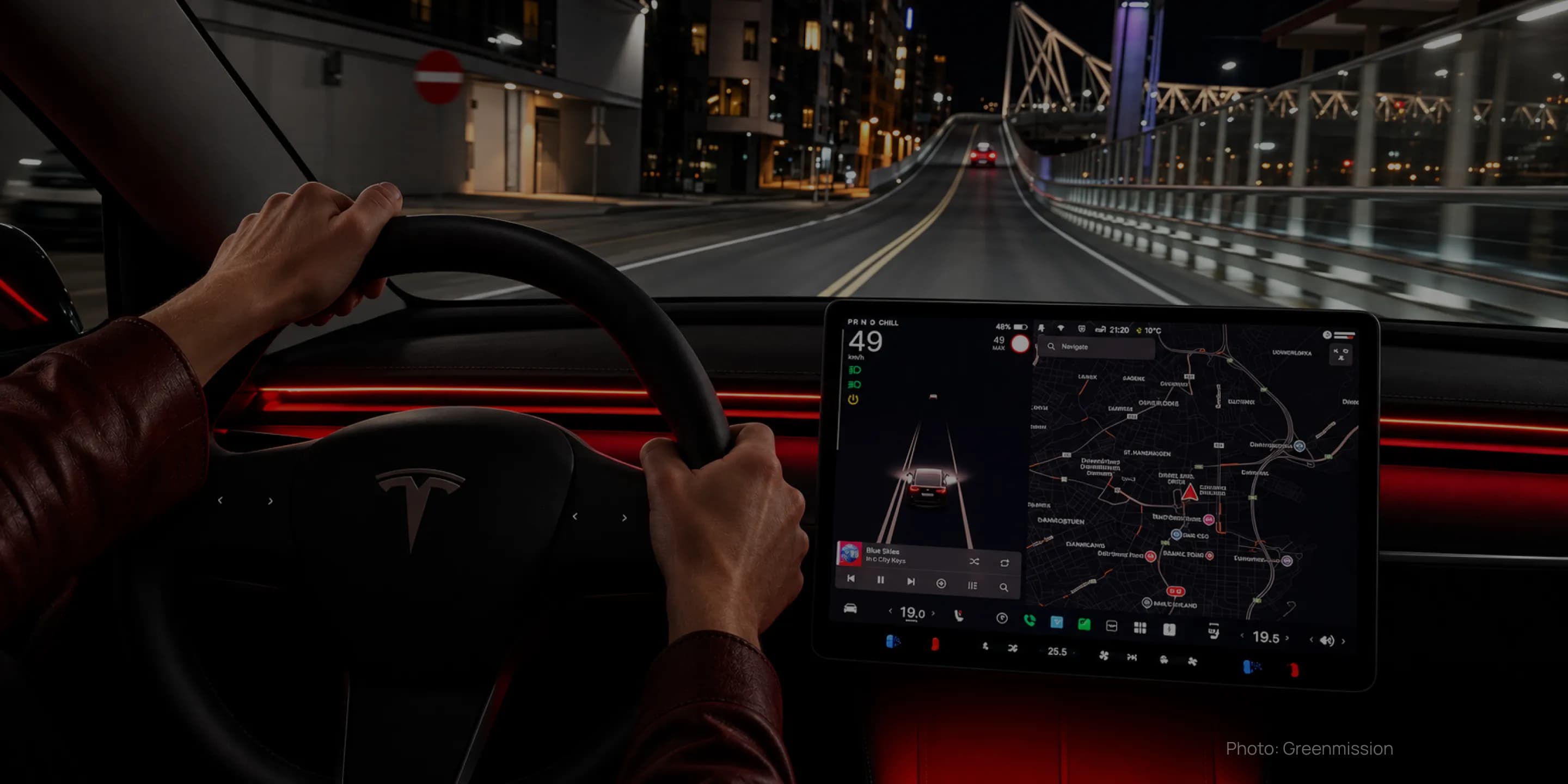
Climate, media and everyday functions under your fingers — with tactile feedback and instant response, online or offline.
Solving Highland issues remotely.
Owners of the refreshed Tesla Model 3 “Highland” reported connection issues — but neither our team nor the client had that car.
So we built remote diagnostics into the app: the owner reproduces the issue in their own car and sends a recording with a Support ID. App and firmware events trace every BLE step — from discovery and subscriptions to sessions, disconnect reasons and memory state. From these remote logs we diagnosed the cause and shipped a firmware fix — and the product gained a new support channel for every user.
Illustrative flow based on the real diagnostic events
From development to production.
Our integration tests and diagnostics fed directly into PCBA, thermal, wiring and factory decisions made by the client and its manufacturing partner.
Dec 2023 – Dec 2024
Collaboration began in Dec 2023; V1 software with direct local BLE was released in Dec 2024.
Apr 2025
ADC data and test firmware; the manufacturer returned to the V1 circuit.
Aug 2025
Our team detected the issue; client measurements then showed the regulator at up to 120 °C.
Jan 2026
~20 pre-programmed samples, base firmware, no waiting for OTA.
Mar 2026
Caught a wrong flash address (0x10000 vs 0x20000) — “OBD OK”.
Jul 2026
First units shipped to Kickstarter backers.
Sep – Oct 2026
New features delivered to devices in the field via OTA.
Stack &
compliance.
Firmware for both ESP32-S3 devices and a cross-platform mobile app — built, tested and released together.
Ctrl-Bar firmware
Ctrl-Bridge firmware
Mobile app
Certification · EU · UK · US
Ctrl-Bar 2 and Ctrl-Bridge passed independent radio, EMC, safety and RF-exposure testing. We helped define a small-batch certification approach so preparation could proceed independently of final functions and OTA implementation.
WEEE — separate end-of-life recycling obligation, not a radio/safety mark
4,373 hours
over 3+ years.
A project lead who started as PM/BA (with R&D and QA) and grew into a product builder — developing the app, firmware and design — a C++ firmware engineer found through our partner network, React Native developers and a UI/UX designer.
51%
2,224 h
Ctrl-Bar & Ctrl-Bridge
31%
1,353 h
Development, design, PM/BA, R&D, QA
17%
764 h
iOS & Android app
1%
32 h
App interface
You are the best developer we have had on this project since we started it many years ago. The product would not be what it is today without you.
Øyvind Husby
Co-founder & Chairman of the Board
Norway
Oct 2026
We see a clear advantage in consolidating all further development and maintenance with your team.
Øyvind HusbyGreenmission · Aug 2025
This looks good and it’s at a level that allows us to move forward to the next phase. Thanks again for the thorough work.
Øyvind HusbyGreenmission · Nov 2025
Thank you for catching this detail. We have successfully flashed the firmware, and it now shows “OBD OK”.
Manufacturing partnerContract manufacturer · Mar 2026
Results in
numbers.
Control the car with physical buttons — locally, instantly and with safe updates for every device already sold.
0
Every press goes over local BLE — no phone or internet needed after setup.
2
From Ctrl-Bar V1 in Dec 2024 to Ctrl-Bar 2 in production since July 2026.
2–3 min
Down from 20–40 minutes over BLE, with fallback and rollback.
121%
€30,156 from 146 backers for the Ctrl-Platform launch.
3,200+
3,210 tests pass in 3 m 52 s — under 4 minutes per build.
18.4%
Reworked memory use frees ~30 KB across the firmware for new features.
27
8 buttons × 2 layouts for Park and Drive, plus 2 encoders × 4 modes.
5
Welcome, goodbye, ambient, turn and charging.
3.64 × 10³⁷
Modelled ceiling for the full Bar + Bridge + Stripe setup.
Built to work anywhere.
Ctrl-Platform splits into three reusable blocks. Integration and safety are validated per platform.
Buttons, encoders and displays sending commands locally over BLE — tactile control without a phone in the loop.
Reads vehicle states and sends commands over CAN, paired with an encrypted wireless link and state recovery.
Onboarding, secure pairing, Wi-Fi OTA with BLE fallback and rollback, version compatibility, remote logs, simulators.
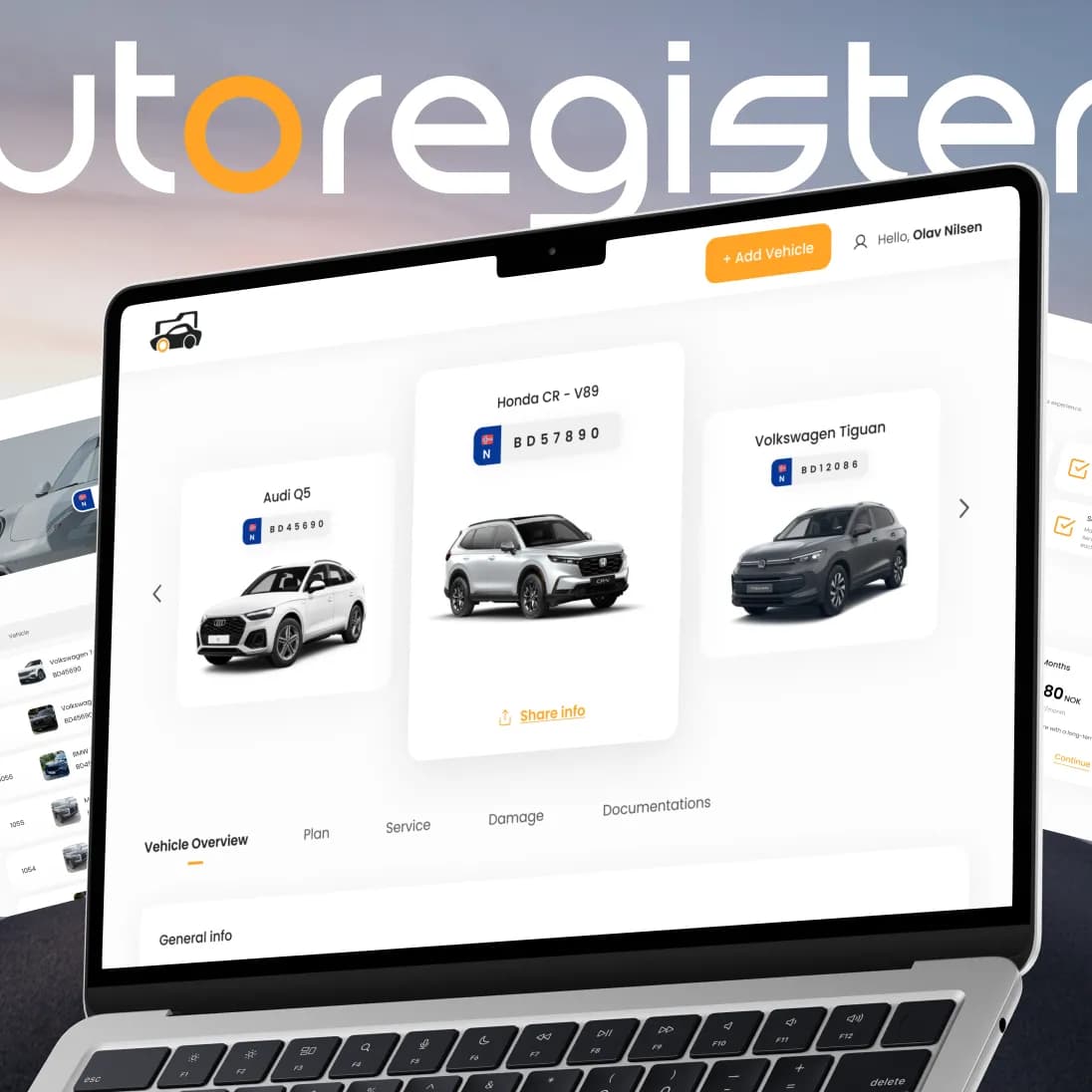
A Norwegian platform that brings a car’s full history, service records and documents into one secure place — designed and built end-to-end by PettersonApps, with trusted integrations for identity and payments.
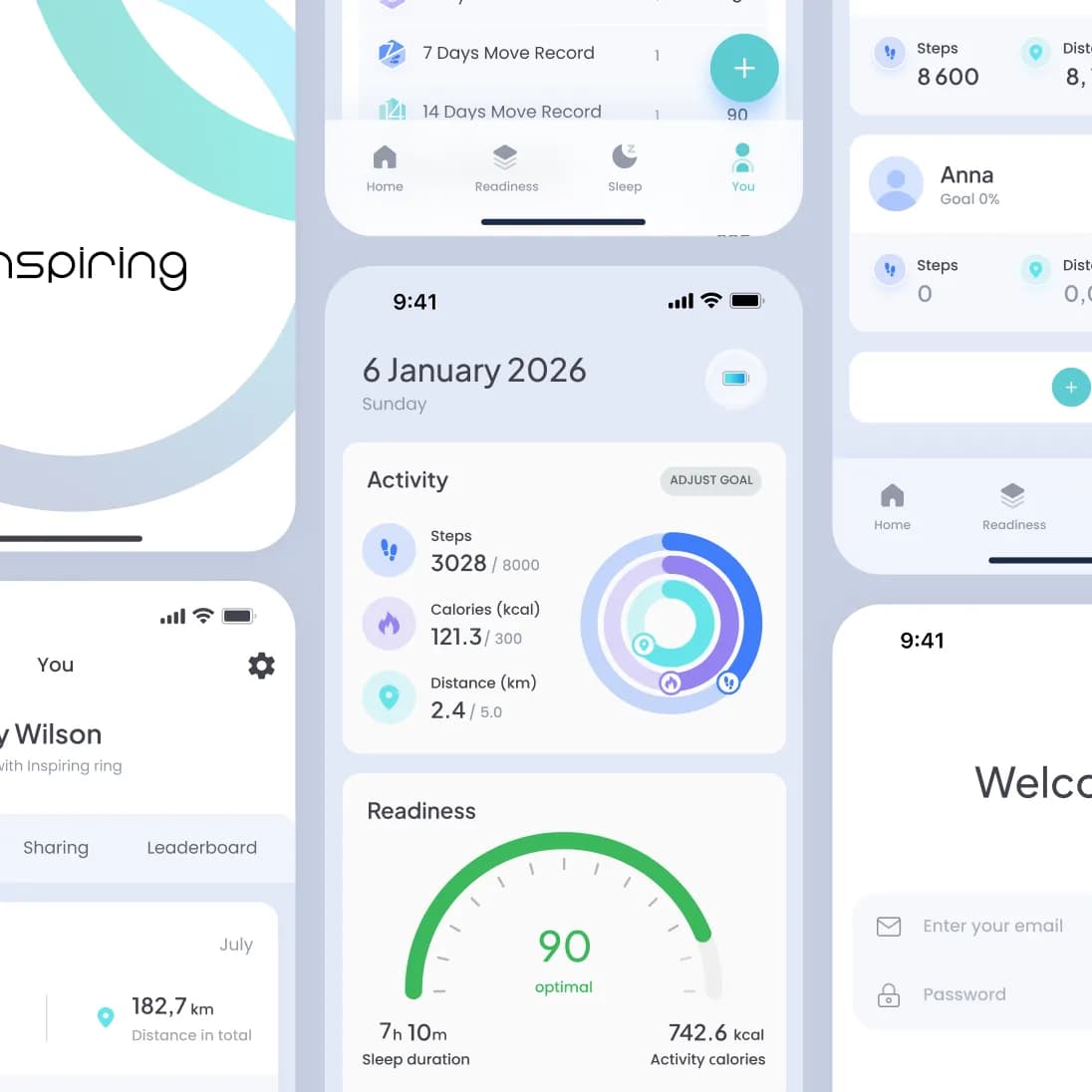
A wellness app paired with Norway’s first smart ring, turning sleep, stress and activity data into one clear daily view — redesigned and rebuilt end-to-end by PettersonApps on iOS and Android.
Have a product in mind?
Tell us about your product — we’ll respond within one business day with a proposal or questions.
Book a call