Automotive
Autoregisteret
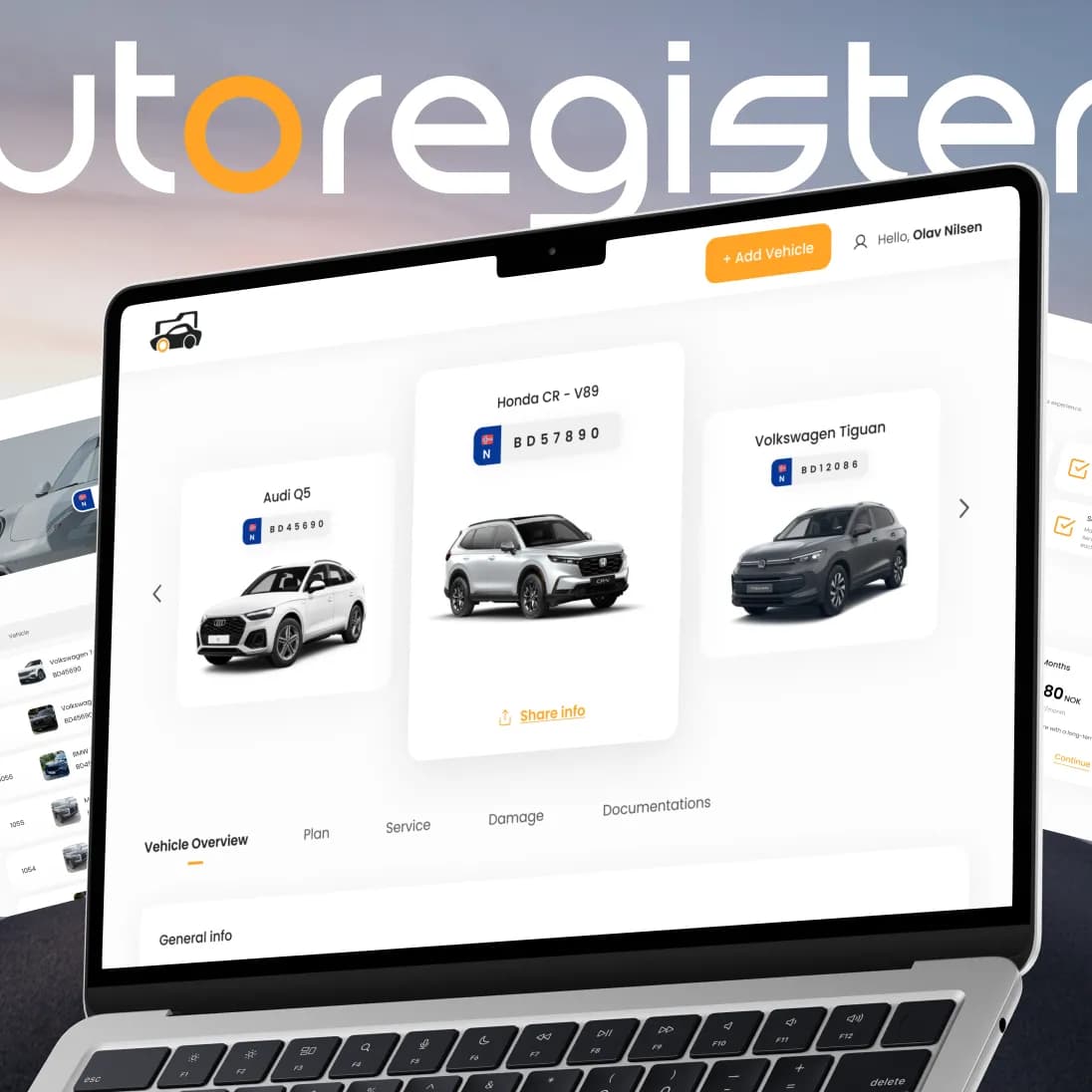
A Norwegian platform that brings a car’s full history, service records and documents into one secure place — designed and built end-to-end by PettersonApps, with trusted integrations for identity and payments.
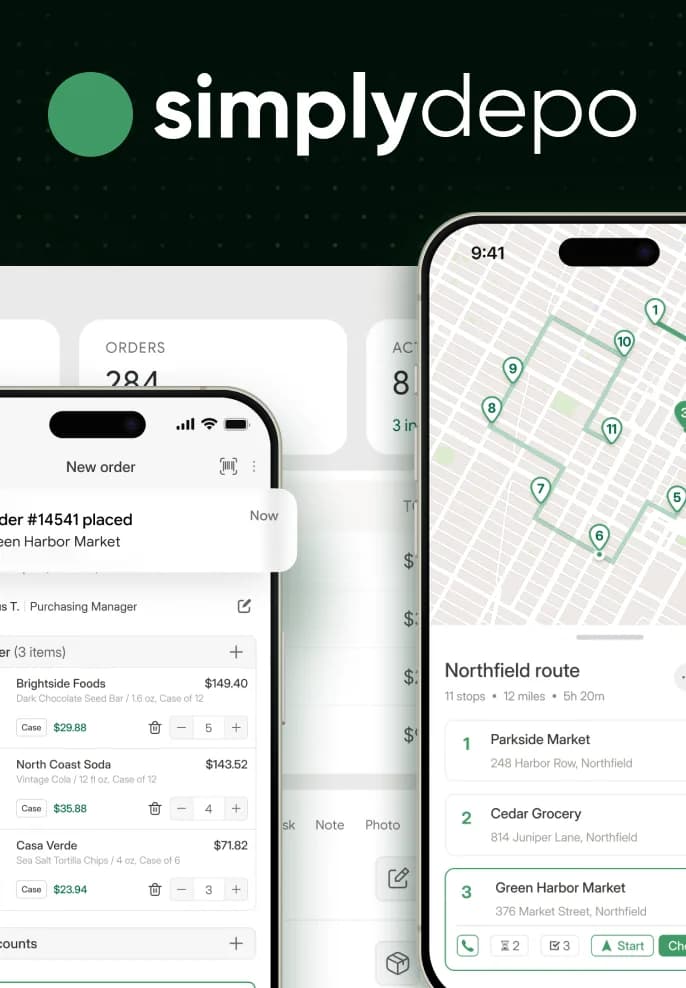
Distribution, made simple.
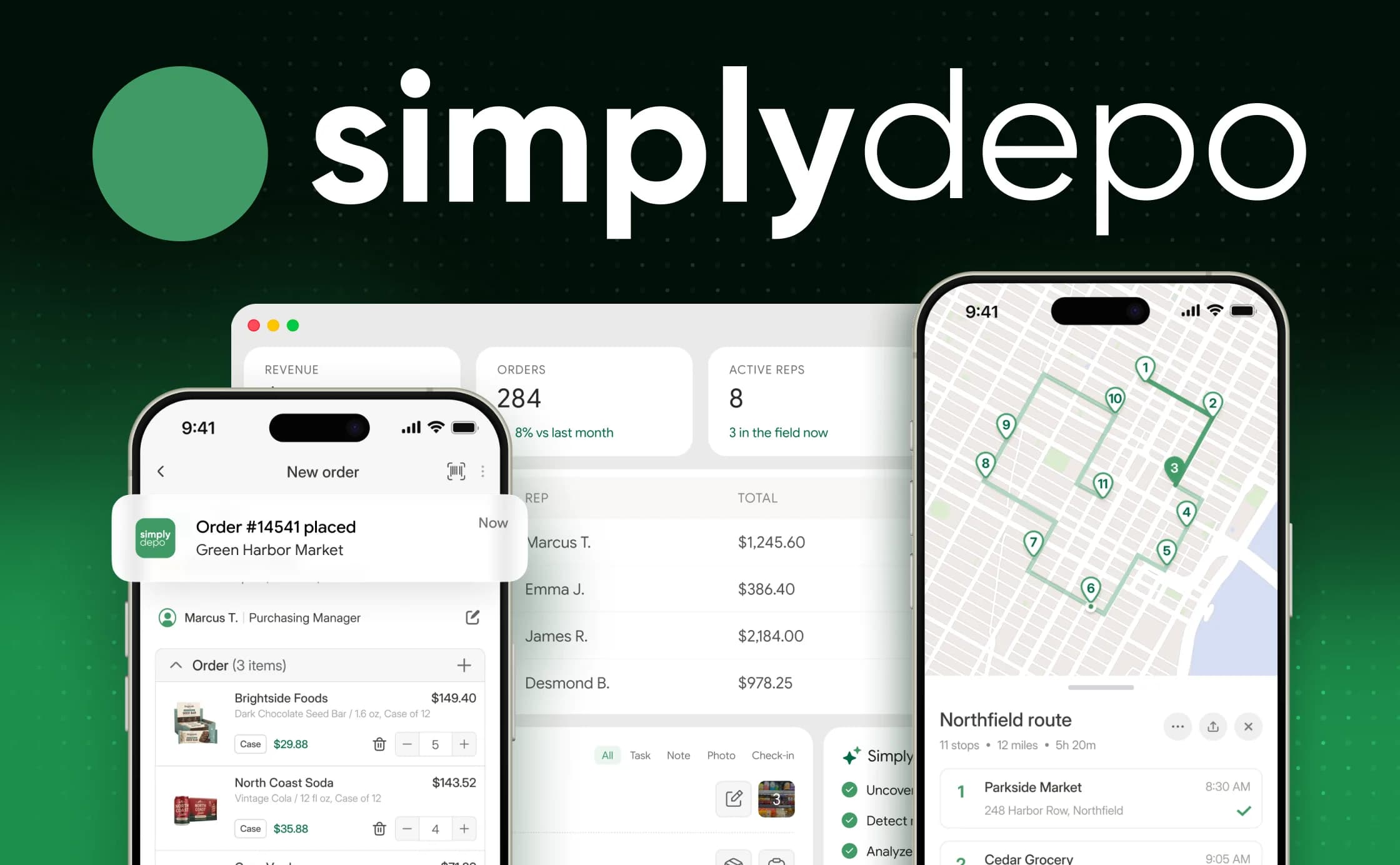
For five years PettersonApps has been building SimplyDepo, a US B2B SaaS for CPG brands and distributors. Field reps, the back office and customers work in one system: a web back office, an offline-ready mobile app, a customer storefront and QuickBooks Online sync.
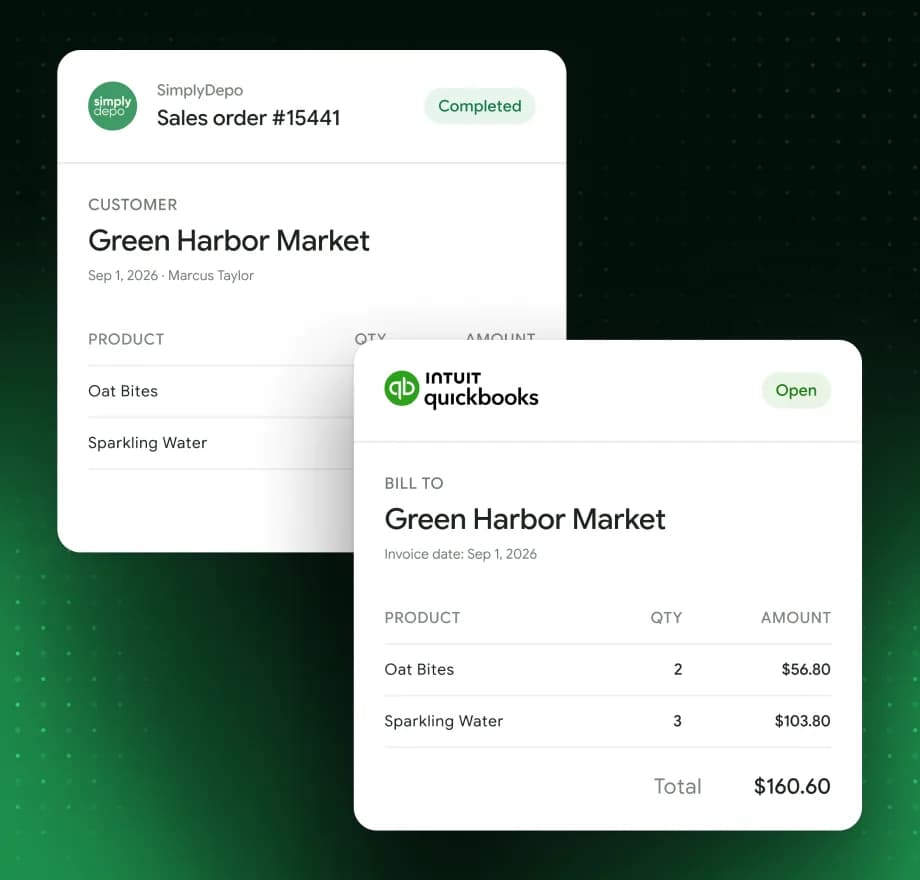
More than just order management.
Additional features that help distributors streamline field operations, manage customers, and keep business data connected.
| Feature | Implementation | User value |
|---|---|---|
| 01Shelf inspections | Digital forms, photos, and stock checks | Better visibility into store conditions |
| 02Route planning | Territories, stops, and rep assignments | More organized field visits |
| 03Flexible pricing | Custom price lists and discounts | Accurate pricing for every customer |
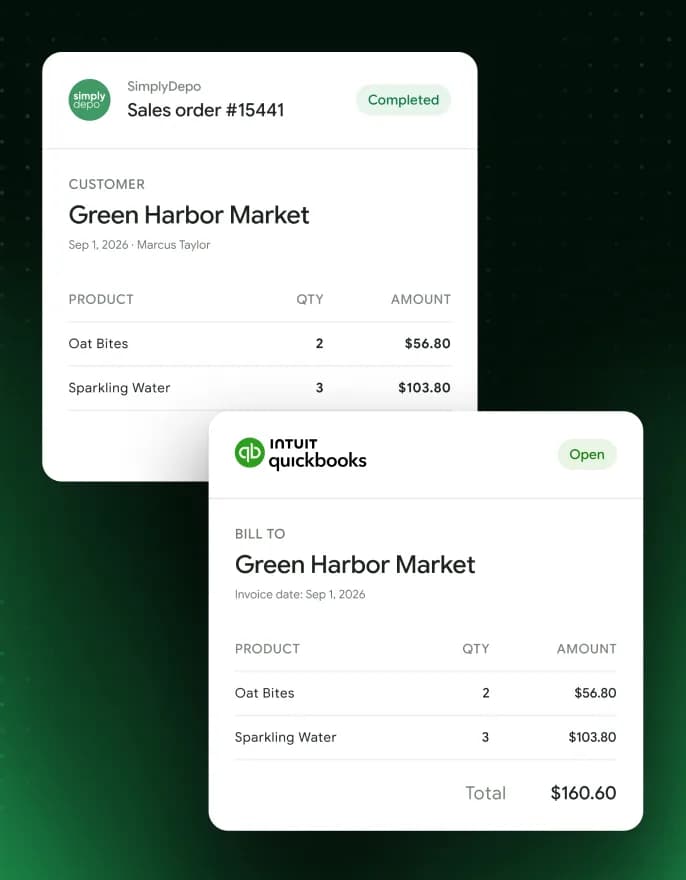
| 04Accounting sync | QuickBooks Online integration | Less manual work and fewer errors |
01
Shelf inspections
02
Route planning
03
Flexible pricing
04
Accounting sync
A founder who knew the challenges.
The founder of SimplyDepo also runs his own drinks brand, GNGR Labs. Selling it through distributors, he saw the same problem again and again: running the business meant juggling several apps that did not talk to each other.
Our first decision
The client came with a .NET prototype built by another team. We convinced the founder to rebuild on a JavaScript/TypeScript stack shared by the backend and the web apps — with scalability, his main concern, in mind from day one.
Three teams.
One platform.
In CPG and B2B distribution the work is split: reps are in the field, the office runs orders and stock, accounting keeps its own books. Every hand-off means re-typing data — and mistakes in prices, stock and orders.
Before
With SimplyDepo
Challenge statement
Distributors needed one place to run field sales, orders and stock — one that keeps reps working on unstable internet and stays in sync with accounting, so less is typed twice and fewer mistakes reach customers.
From shelf to QuickBooks — without re-typing.
09:12 · Store visit

Shelf check
Low stock — reorder required
Low stock
09:15 · No signal
Order built offline
3 items · queued on the phone
Queued
09:41 · Back online
Synced
Prices and stock re-checked on the server
Synced ✓
09:42 · Back office
Order #14541
Green Harbor Market · $149.40
Processing
09:43 · QuickBooks Online
Invoice created
Customer and invoice matched · no duplicates
In accounting
One platform for all.
We built SimplyDepo from scratch, starting with a merchandising MVP — customer list, rep management, check-in/check-out and shelf photos — and grew it into a full distribution platform.
Customers, catalog, prices, stock, orders, payments, routes and reports.
Visits, check-ins, shelf photos, forms and orders — with offline mode and sync.
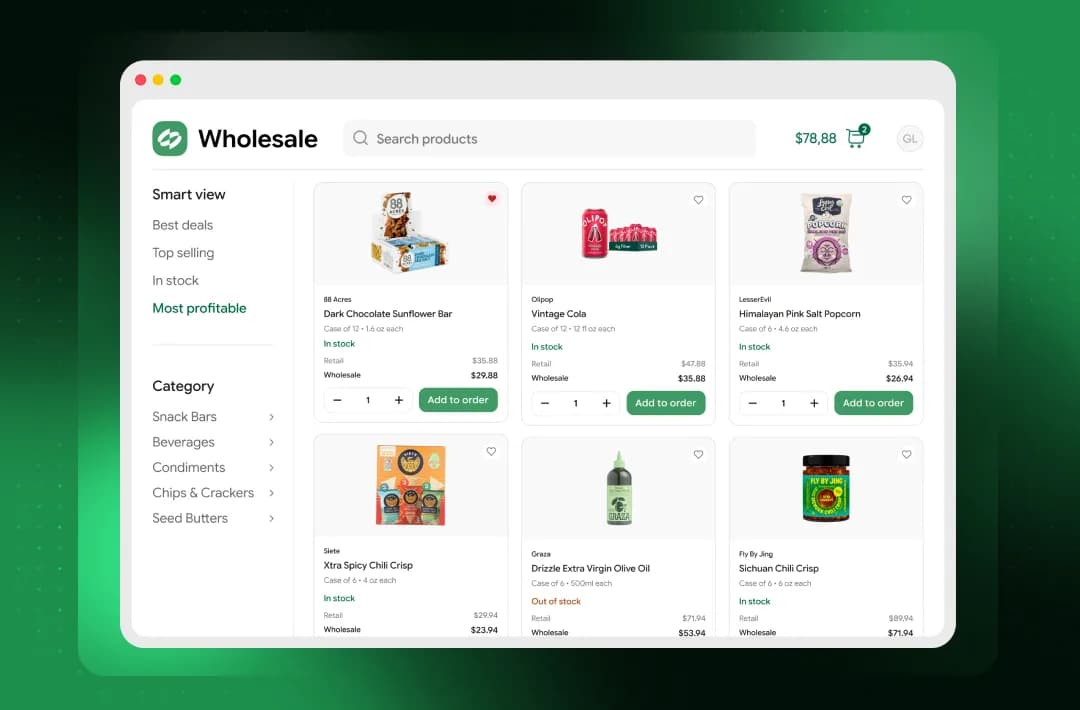
Customers browse the catalog and reorder on their own, without waiting for a rep.
Invoices, customers and payments flow to accounting without re-typing.
SimplyDepo system architecture.
Mobile, web and storefront apps share one Node.js backend on Google Cloud, with storage and integrations behind it.
Field reps & merchandisers
Mobile app
Flutter · iOS & Android · offline queue + sync
Distributor office
Web back office
React · Redux · admin & reports
Customers
Storefront
React · catalog & self-service orders
Our scope · Google Cloud
Cloud backend & API
Node.js · Express · Prisma · Cloud Run
Async · Pub/Sub
Background workers
imports · documents · notifications
Internalevents
Integrations
QuickBooks Online
+ other accounting, trade and logistics systems · webhooks · retries without duplicates
Storage
PostgreSQL
core data
Storage
Firebase
Firestore · Cloud Storage
Simplified view of the production platform
Our scope · Google Cloud
Cloud backend & API
Node.js · Express · Prisma · Cloud Run
Simplified view of the production platform
Distribution in action.
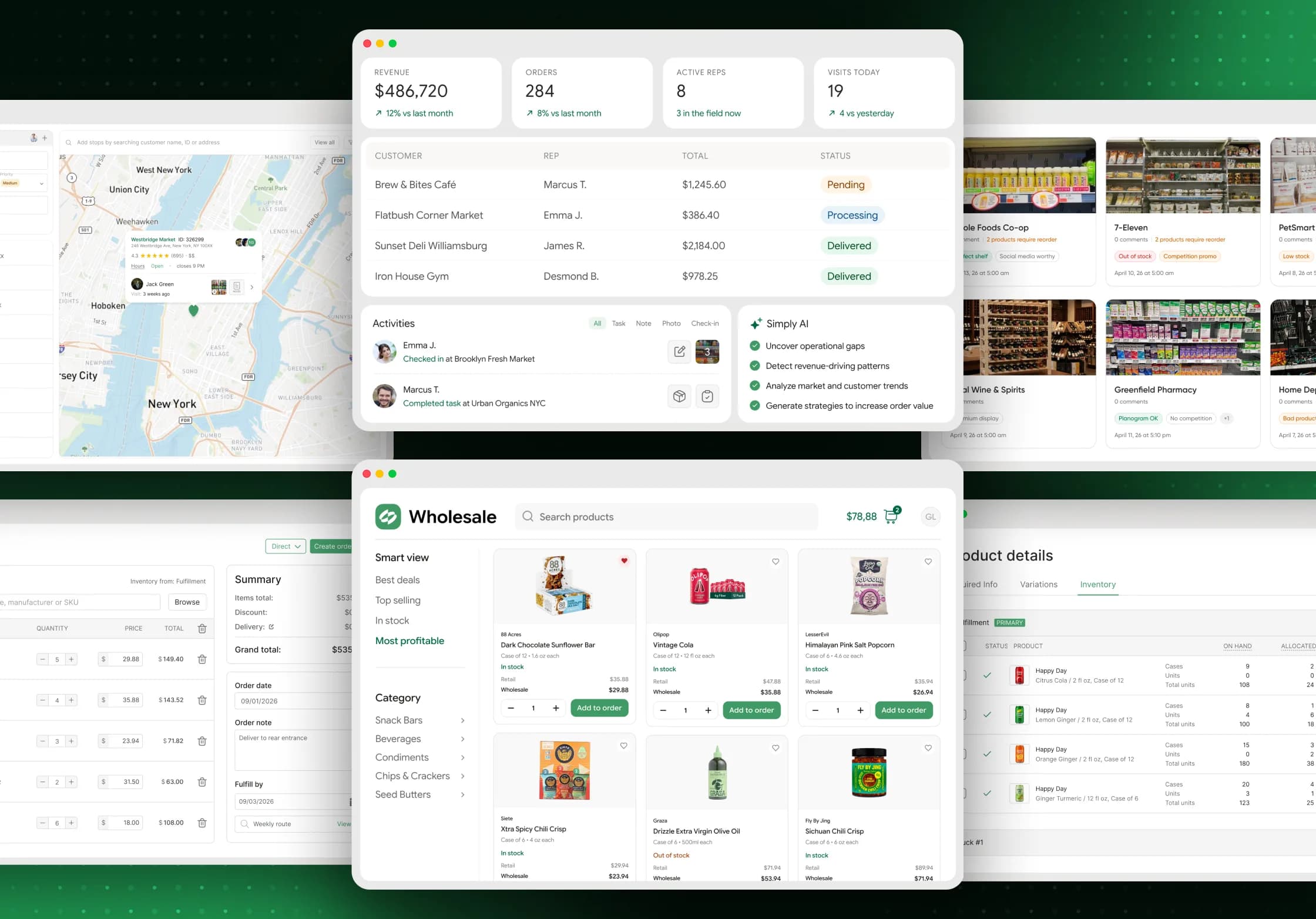
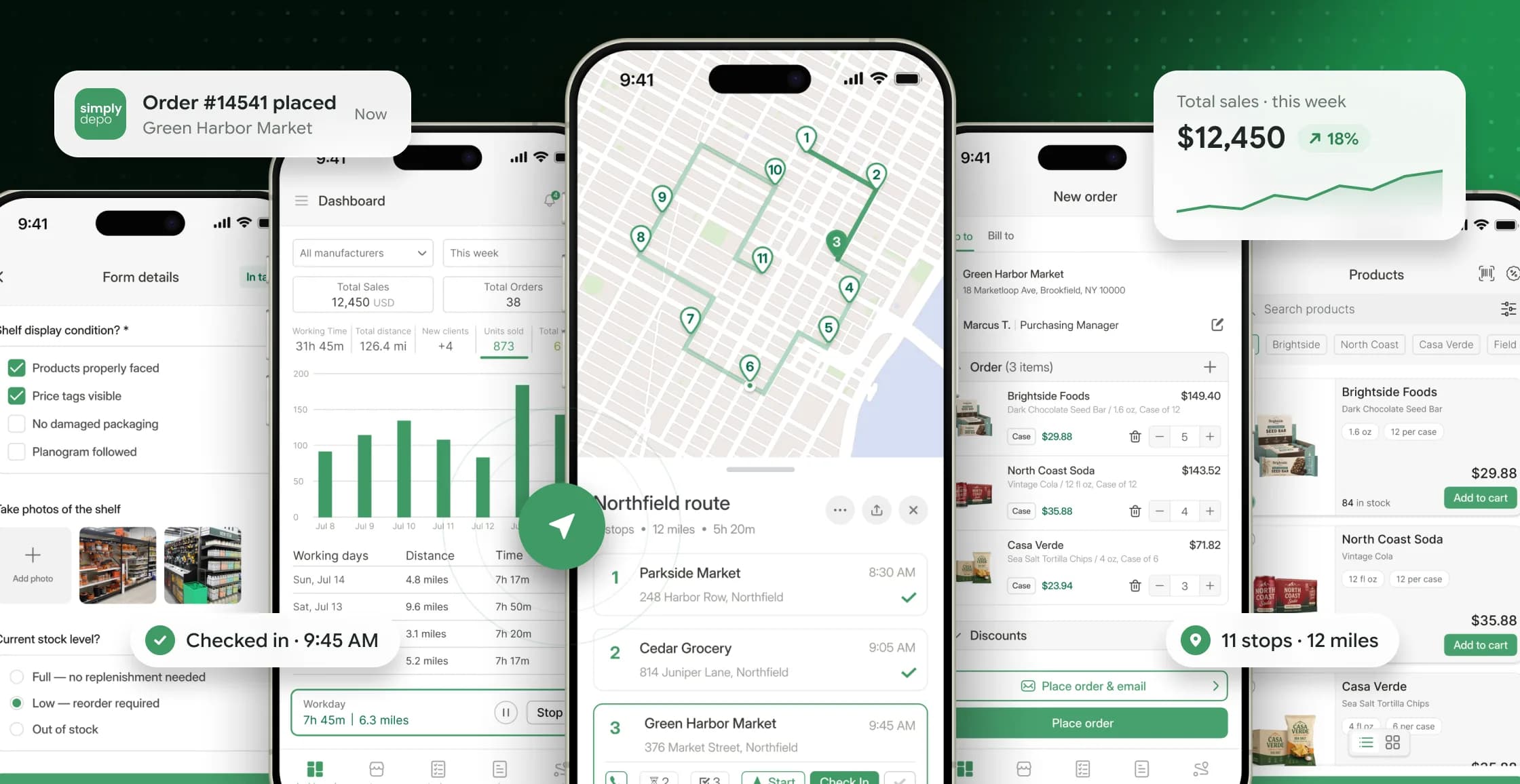
Real SimplyDepo screens — from the rep’s visit to the report the owner reads at the end of the week.
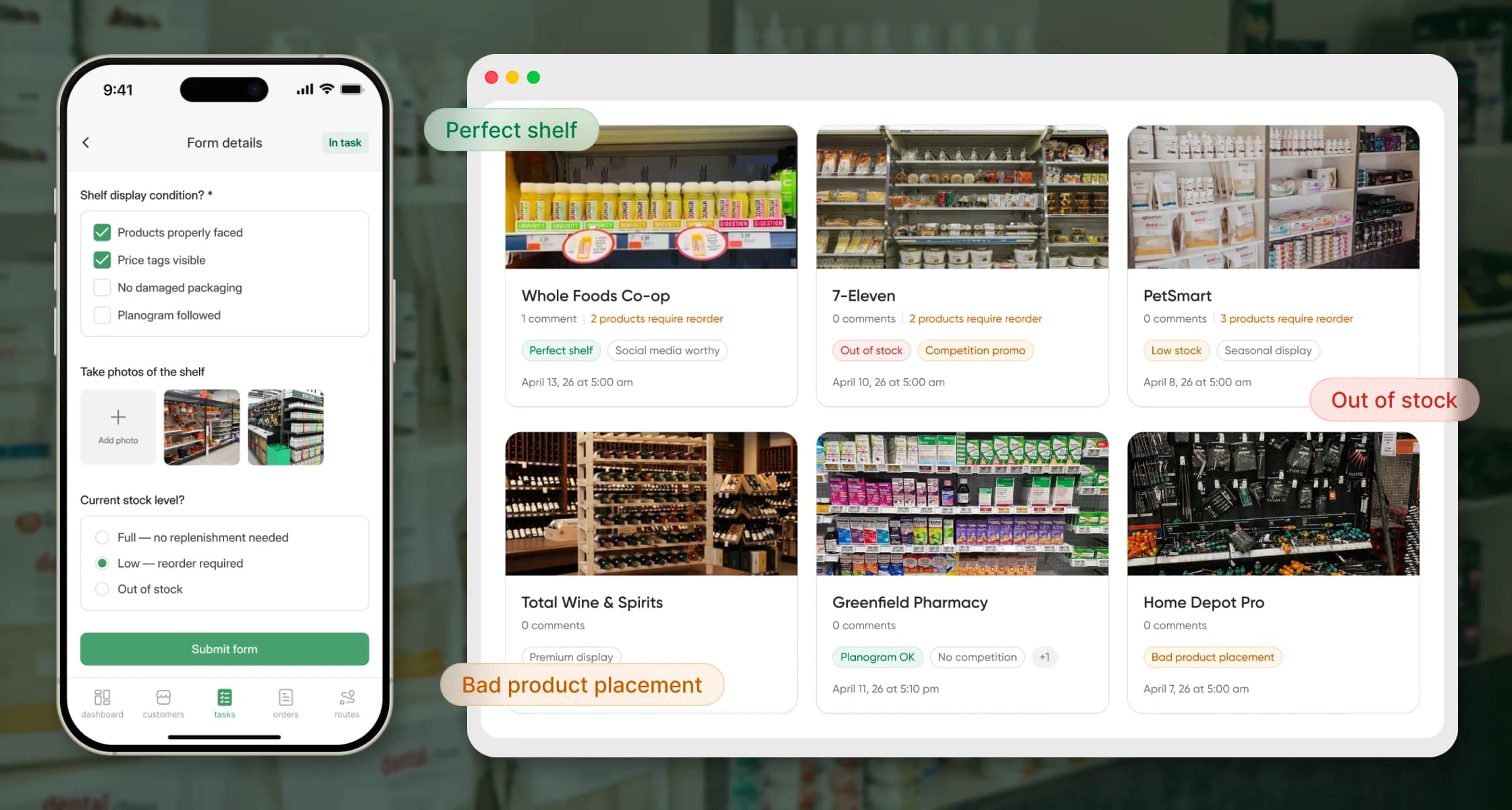
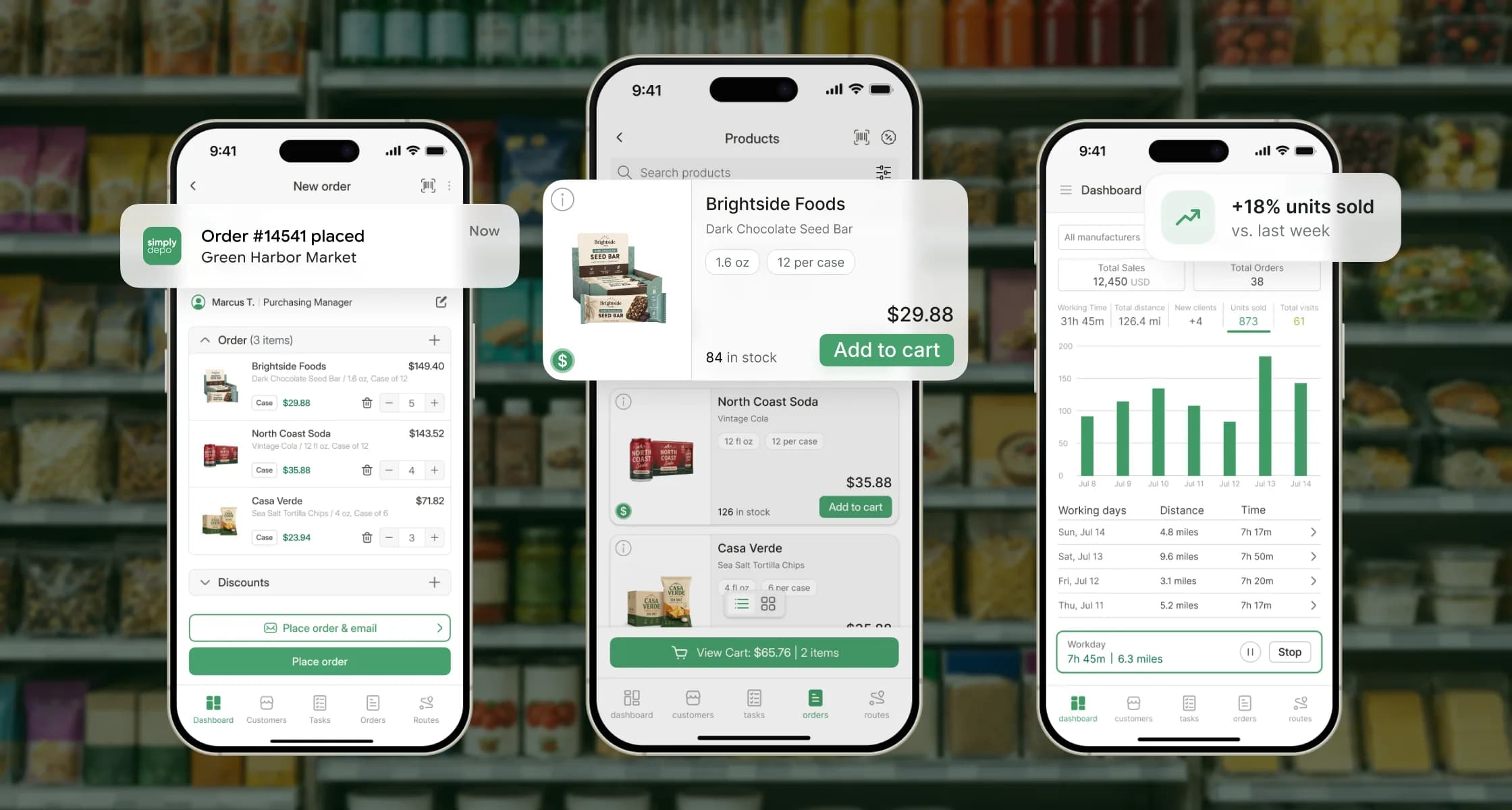
01Store visits
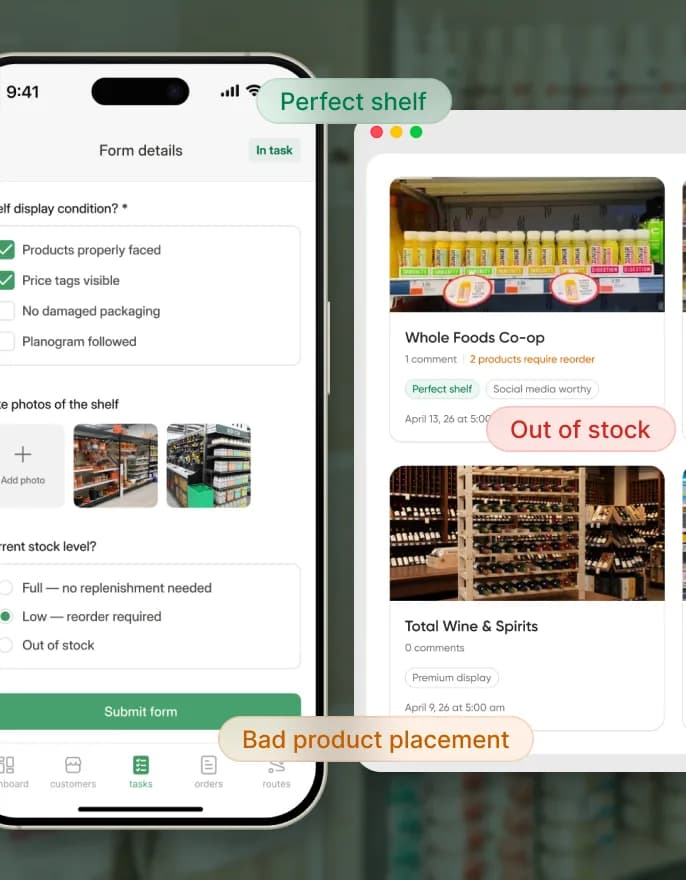
Retail execution in the app: reps fill in shelf checklists and take photos. The office sees a photo feed tagged “out of stock”, “competition promo” or “perfect shelf” — and knows what to reorder.
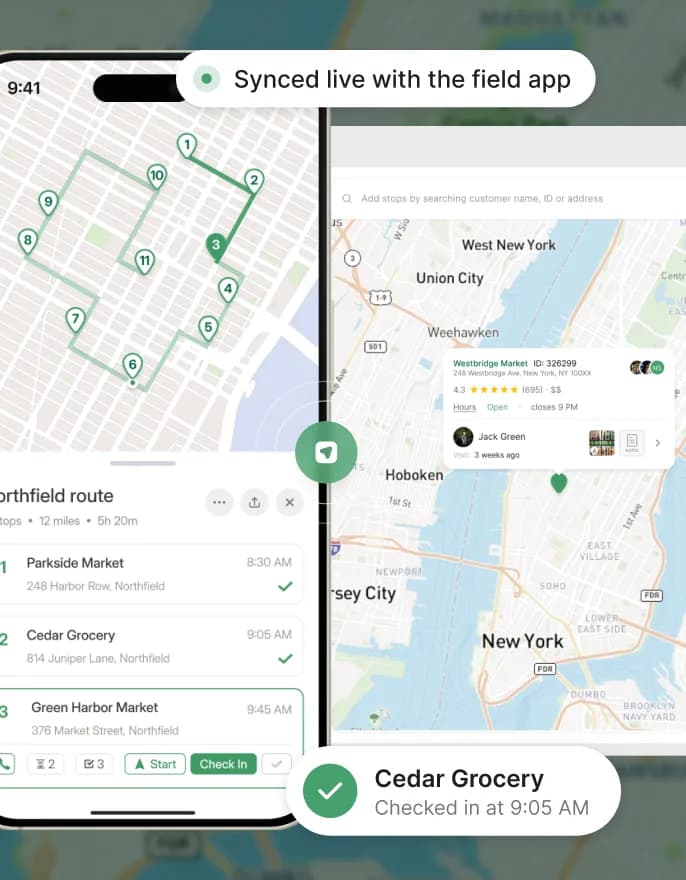
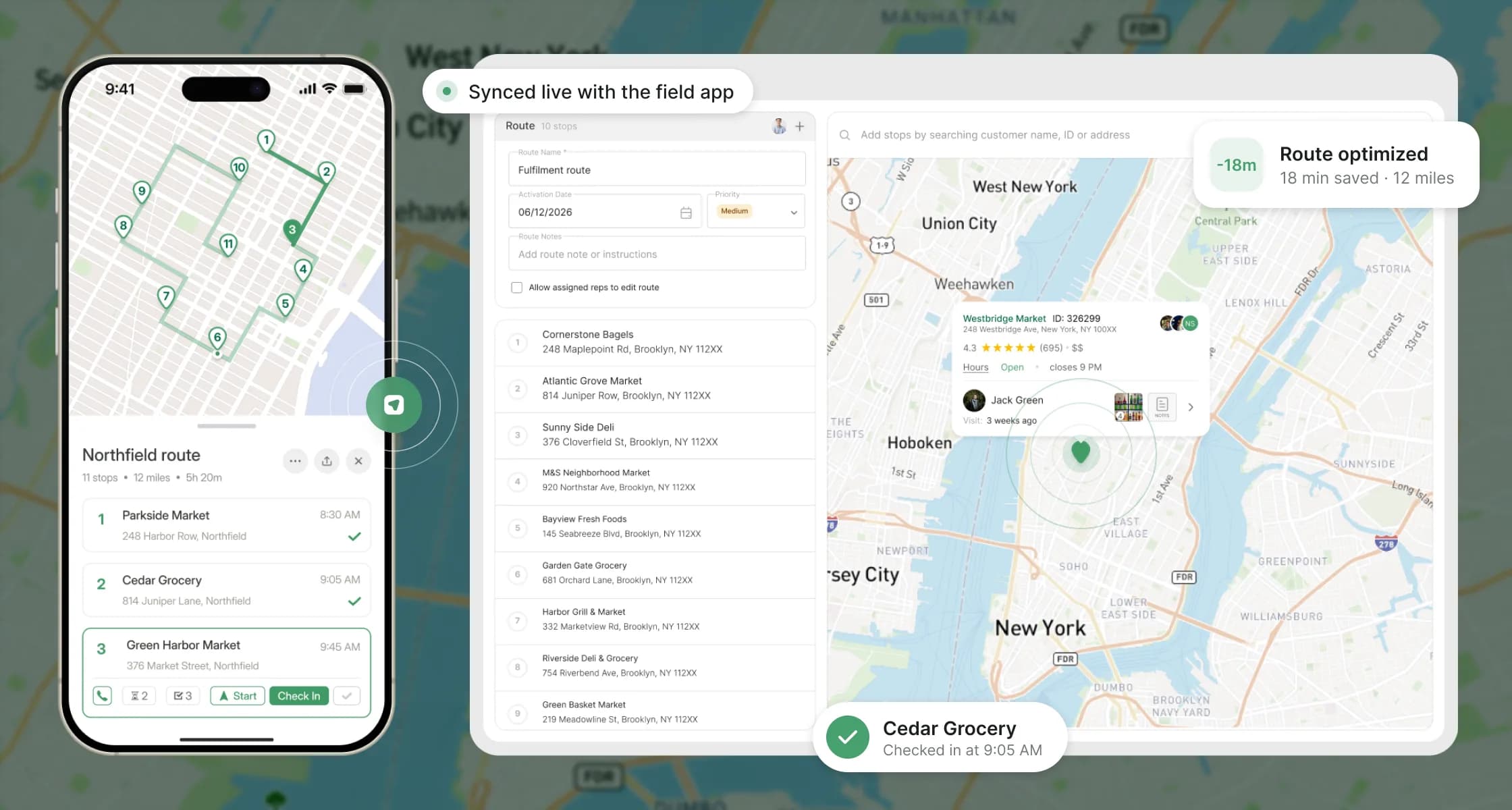
02Routes
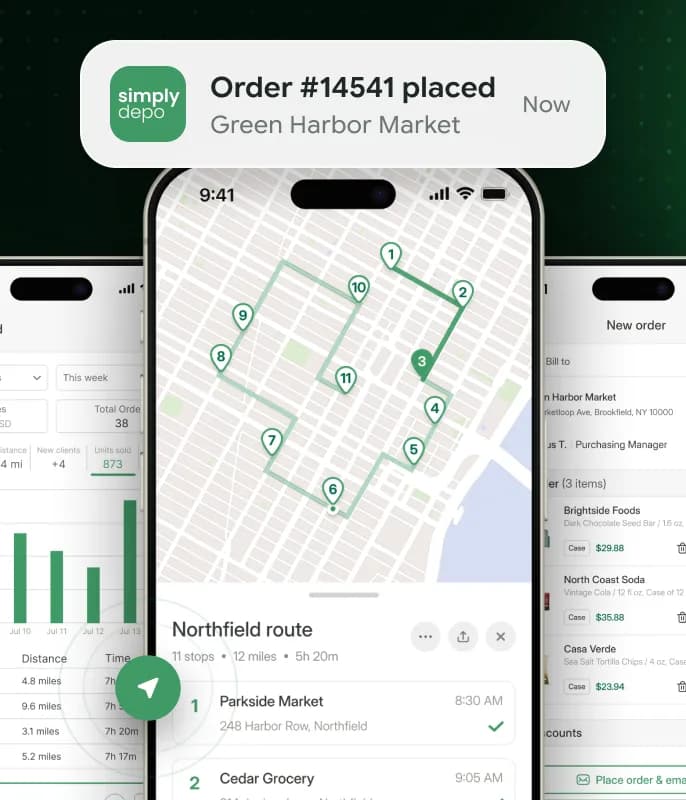
Territories, stops and rep assignments are set up on the web; the rep gets the route on a map with check-in and order actions at each stop.
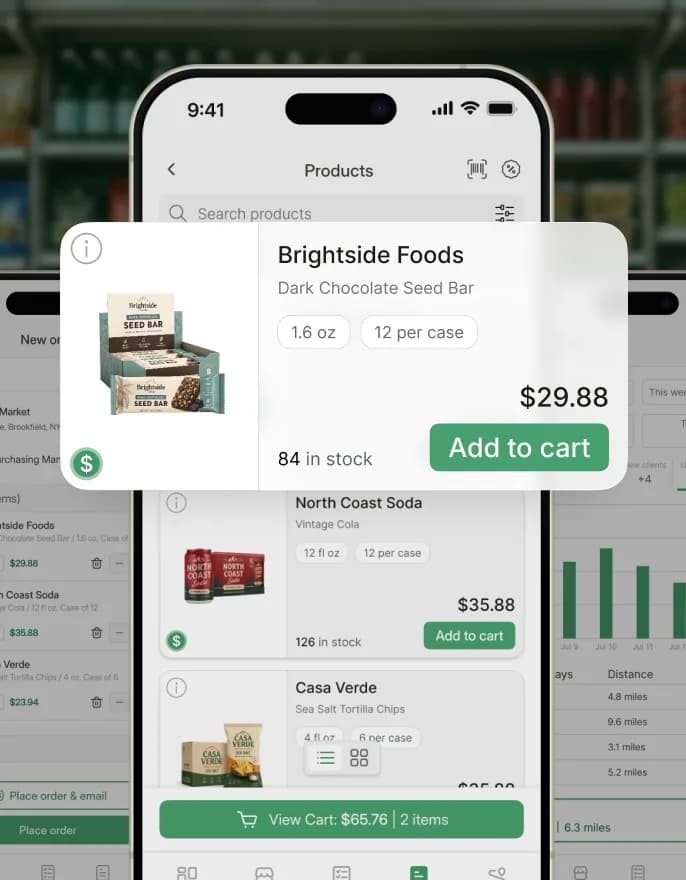
03Offline mode
In a store with weak or no signal the rep still builds the order. It is queued on the phone and synced when the connection returns — then checked against current prices and stock.
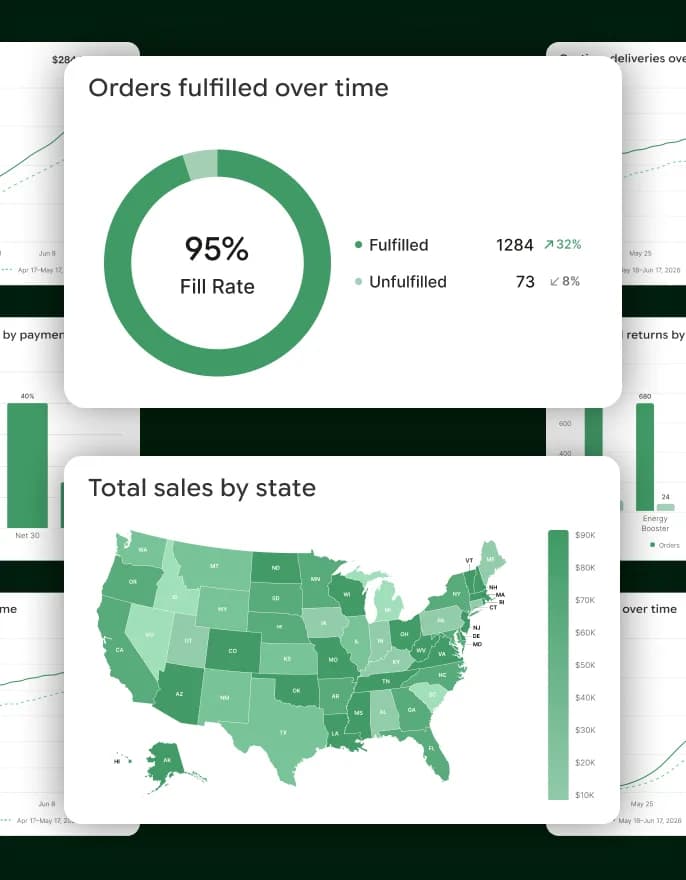
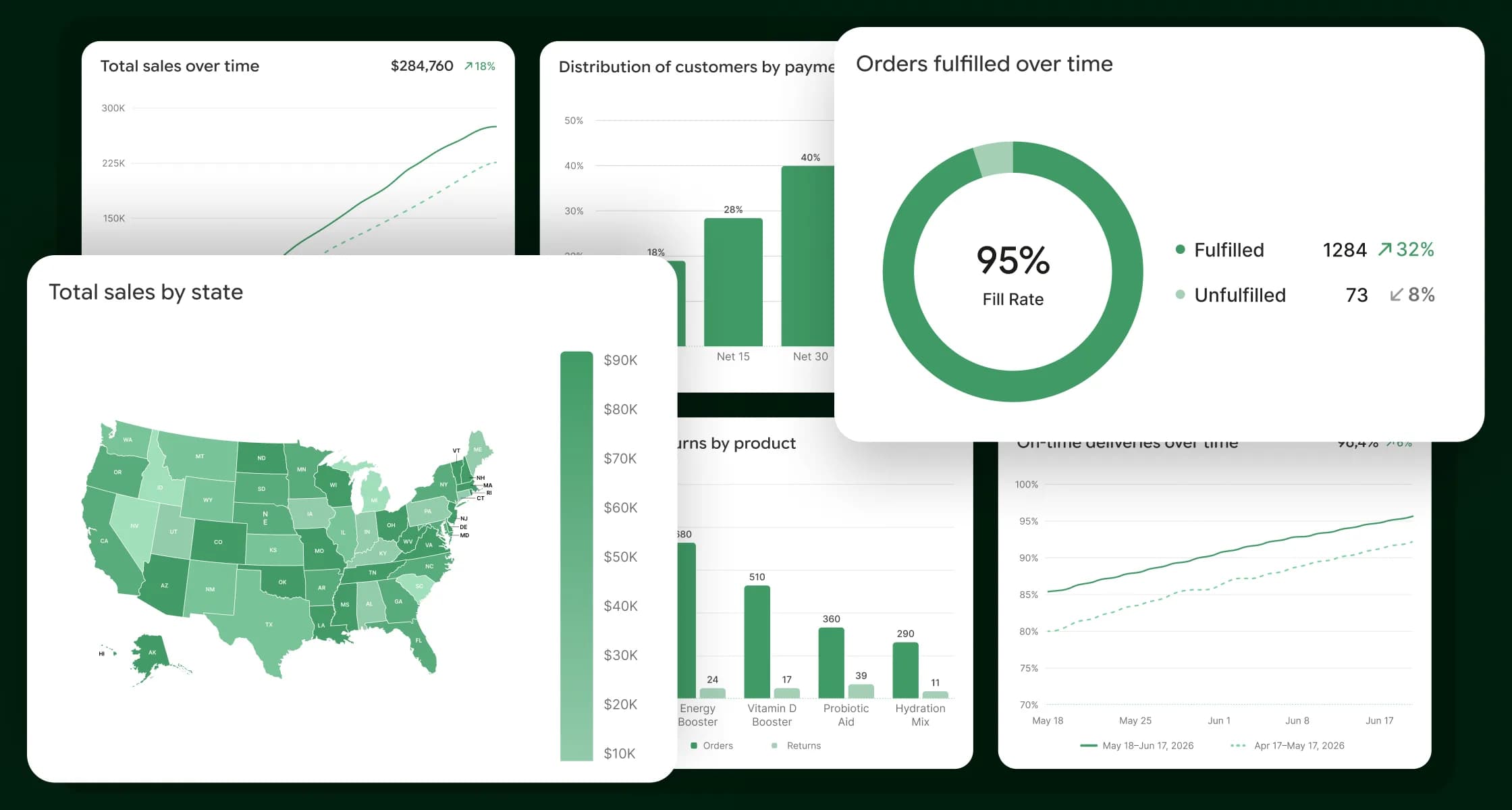
04Reports
Sales over time, fill rate, on-time deliveries and orders vs returns by product — for the owner and the sales manager.
All systems in sync.
An order can be created on a phone without internet, processed in the office and then synced to QuickBooks Online. Each step can fail on its own — and nothing may be lost or counted twice.
While a rep works offline, prices, stock or product availability can change on the server.
Mapping entities and statuses between systems, partial failures and retries without duplicates.
Many roles, distributor settings, document states and lost-connection scenarios to cover.
Every distributor’s data stays separate on a shared multi-tenant platform.
Example 1
By the time the phone syncs, a product may be unavailable. Simply retrying does not help.
What we did
We defined a recovery flow: a visible error status, the problem lines explained, and the order editable before it is sent again. QA covered scenarios where server data changes during offline work.
Example 2
“The numbers don’t match” had to become a concrete, testable case.
What we did
We traced each order, invoice or product: IDs, sync direction and record state in both systems — separating mapping errors from delays or failed syncs. A fix counted as done only after the first sync, a retry and a no-duplicates check.
The order is re-validated against live server data on sync.
Users get clear progress and error statuses.
We design around QuickBooks Online API rules and limits.
From MVP to platform.
Our PM grew into the Product Owner role: researching distributors’ workflows, clarifying business rules and turning requests into tasks and acceptance criteria.
12
Web & backend
6
Manual & automated testing
3
Delivery & client communication
2
iOS & Android apps
01MVP
Customer list, rep management, check-in/check-out and shelf photos.
02Growth
Order taking in the app, offline mode and customer self-service.
03Growth
Pricing, invoices, payments and QuickBooks Online sync.
04Platform
Routes, purchasing, fulfillment and reporting.
05Next
The client plans to expand to the UK and Latin America.
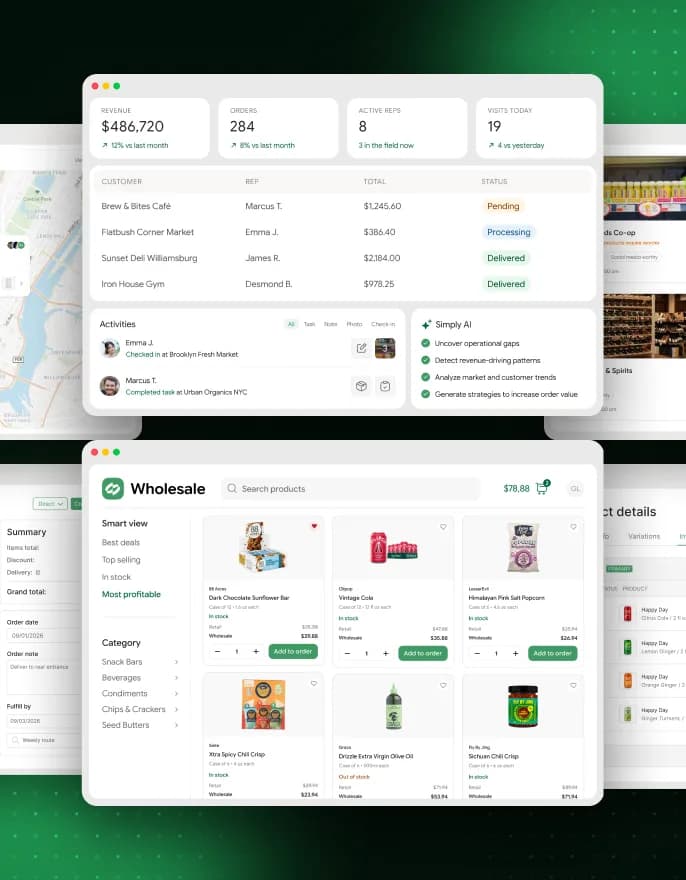
Nine product areas, one data model.
Order & inventory management: customers, products, stock, orders and payments in one web back office.
Customer work, orders, forms and photos — with offline mode and sync.
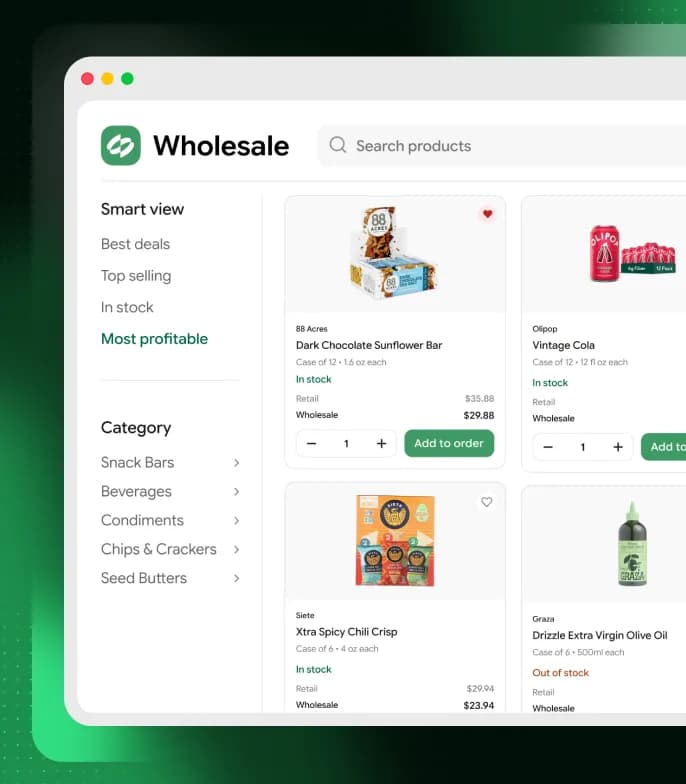
A wholesale storefront where customers browse the catalog and reorder on their own.
Price lists, discounts and customer-specific terms.
Territories, routes, stops and rep assignments.
Purchase orders, goods receiving and fulfillment.
Invoices, payments and credit memos.
Accounting / ERP integration: QuickBooks Online and other external services.
Sales and operations reports for owners and managers.
SimplyDepo experience.
Summaries of public reviews left by distributors on Capterra and G2.
I was able to give them a list of customers and products, and was up and running the next day.
The platform covers the needs of his distribution business; the QuickBooks integration is singled out as especially valuable, along with fast support.
Wesly M.Founder & CEO · G2 · 2026
The team added and improved the features his company needed, at his request.
Ivan K.CEO · Capterra · 2023
Impact on distributors.
SimplyDepo runs in production and is used by real distributors. The team keeps developing it based on their requests.
Accounting integrations cut re-typing and reconciliation between tools.
Reps order during the visit; customers reorder in the storefront without waiting for a manager.
Offline mode made field work far less dependent on a stable connection.
One shared system for the office and the field — the base for lower costs and new markets.
Small features distributors asked for — each one shipped into the product.
Alternative company address on invoices
Product tags in the catalog
Customer hierarchy in QuickBooks Online
Cancelled-orders report
Hide case sales in the storefront
Faster brand & category picker in the app
B2B sales anywhere.
Offline mobile work, a B2B catalog, customer-specific pricing, routes and data sync carry over — with business rules adapted to each industry.
Food, drinks and consumables for restaurants and hotels, with individual prices and regular delivery routes.
Reps working with shops and salons, assortment control and shelf photo checks.
Wholesale catalogs, stock levels, customer price lists and order processing.
Visit planning, checklists, photos and reports on completed work.
A Norwegian platform that brings a car’s full history, service records and documents into one secure place — designed and built end-to-end by PettersonApps, with trusted integrations for identity and payments.
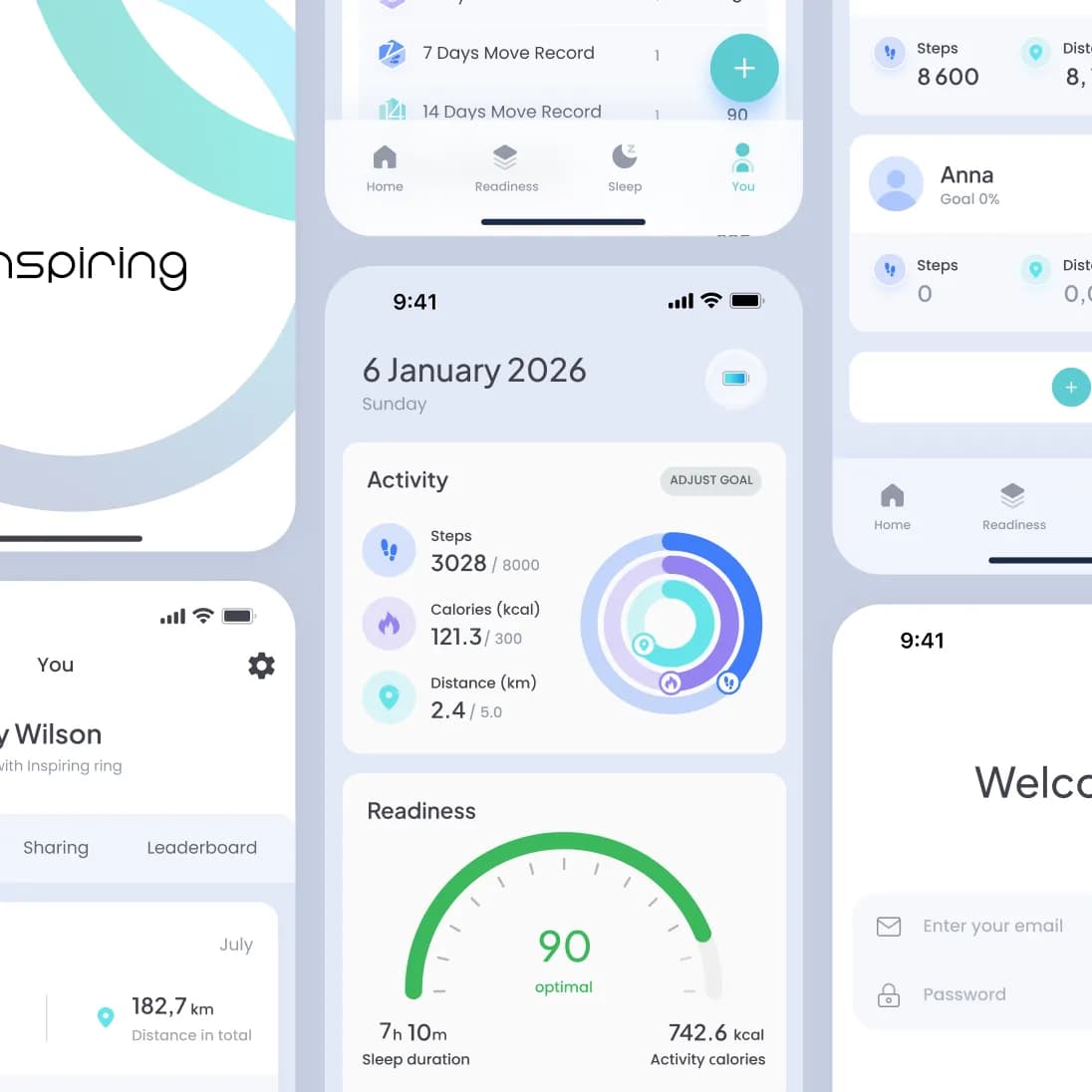
A wellness app paired with Norway’s first smart ring, turning sleep, stress and activity data into one clear daily view — redesigned and rebuilt end-to-end by PettersonApps on iOS and Android.
Have a product in mind?
Tell us about your product — we’ll respond within one business day with a proposal or questions.
Book a call